echo bbp_get_user_post_count( $user_id );
Hi guys,
i have some problems with including a “user total posts count”to my loop-single-reply.php
http://bbpress.trac.wordpress.org/changeset/3632
http://bbpress.trac.wordpress.org/changeset/3633
i have included this into my bbpress 2.0.2
i’ve used
and some other scripts (e.g. without echo) to test it. but it displayed nothing.
Can anyone help me? Thanks.
Most likely it’s because the theme uses .reply for comment styling somewhere, conflicting with bbPress replies. Seen this happen in a few places already. Could also be that your theme compat setting got switched to the default instead of the old TwentTen; switching it back to the table based layout might help.
I’m stumped. lol
Do I have to call the script? :L I have no idea.. what to do.
I found this:
    if ( bbp_is_single_topic() )
        wp_enqueue_script( 'bbp_topic', $this->url . 'js/topic.js', array( 'wp-lists' ), $this->version, true );
Am I close ? :/
Okay now I do believe that my theme is causing the problem since I switched themes and it started to work. I have more work to do.
-
This reply was modified 14 years, 1 month ago by
 DNBrawler.
-
This reply was modified 14 years, 1 month ago by DNBrawler.
-
This reply was modified 14 years, 1 month ago by DNBrawler.
It did the same again, I have had a couple of issues with the code button too!
It is kind of a tricky to pick out a specific forum, you would need to do a little bit of coding to try and change the way your loop-topics loop works.
You would need to be able to pass in an argument of something like $limit and then set the limit based on the forum id. Feels like a lot of work to me, but someone else might have a better idea.
Sorry!
Sorry must not have worked. Here it is again:
                         '_bbp_reply_count', 'meta_value' => '1', 'meta_compare' => ' 'date', 'show_stickies' => false ) ) ) : ?>


                <!-- #topics-front -->
“ EDIT: Now it’s deleting the content of the code sample. Here’s the link from pastebin. http://pastebin.com/3TLgVni2
-
This reply was modified 14 years, 1 month ago by DNBrawler.
-
This reply was modified 14 years, 1 month ago by DNBrawler.
bbpTopicJS is not defined.
Line 23 inside topic.js
Good luck!
http://www.dnbrawler.com/topic/new-class-kali/
here you go! thanks for the swift reply
User ID: test
Password: testing
-
This reply was modified 14 years, 1 month ago by DNBrawler.
After a few days tweaking and tinkering I think I am finally at a point where I am happy with the current way my forum looks.
I am going to be adding as much useful information and tools around the forums as possible, but I am really enjoying bbPress at the moment.
Theme: Custom based off twentyten
Forum: bbPress 2.1
Mobile Theme: jQuery Mobile (works really nice apart from the forums).
Check it out, let me know what you think, good or bad!
http://teamoverpowered.com/forums/
P.s. I am not a designer so the design could look interesting in parts of the site lol, thanks for your time in checking it out!
-
This topic was modified 14 years, 1 month ago by
 Lynq.
Lynq.
Would need to see a link please 🙂
Hey DNBrawler,
Your code got cut off 🙁 can you try posting it again and using the code button?
After updating to BBpress 2.1 the GD BBpress tools “quote” feature started to copy the reply post’s contents that I wanted to quote inside the reply form box (It was working). In my opinion, this is a very important feature to have in a large forums and I was very content that it finally worked. Now, recently it has stopped working for whatever reason–I try to click “Quote” but nothing occurs at all. I’m not conversant in tracking the error with Firebug so for someone who does know how to root out the source of the problem so if anyone wants a stab at trying Ill give you a link to one of my topic pages and an account to post.
Has anyone ran into this problem? Or does it work for you?
I’m using a template to customize the number of posts on one of my pages. My default number of forum posts on one single page is 6. I want 15 to appear on a page so after noticing in the statistics template that the popular topics can show more than than the default setting I ventured to apply it to a single forum called from the forum id. Here’s the code:
15, ‘post_parent’ => bbp_get_forum_id(568), ‘show_stickies’ => false ) ) ) : ?>
My problem: The forums are only showing 16 unfortunately. My question: How do I limit the number of posts on individual pages?
Do you still get this error if you switch to the twenty ten theme and disable all plugins?
This lets you hunt down if it is a bbpress bug or a theme conflict or a plugin conflict!
@Erlend Can you create a new page for this,
The page was in draft form, but empty. I just did another one of my copycat acts to get a page up there; dunno if John had other plans for it.
HI,
My my name is E.J. and I’m enjoying your product!
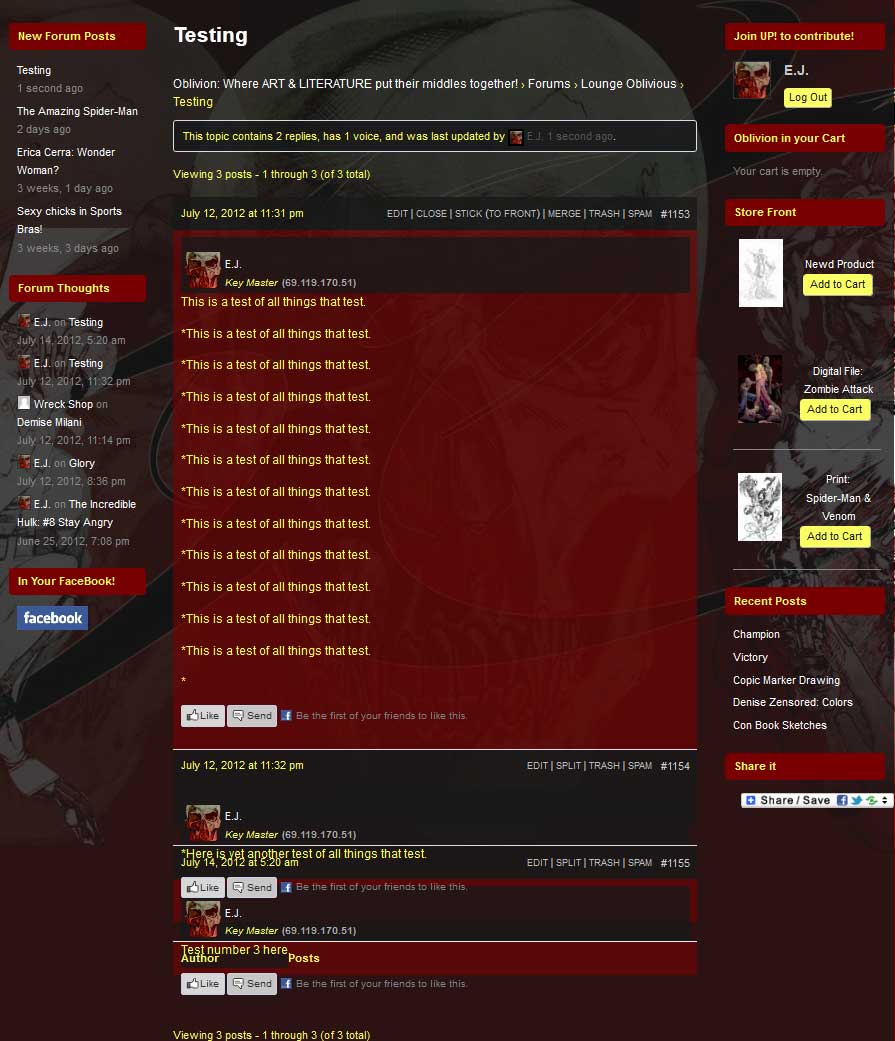
After updating to that latest version of WordPress and bbPress, I began to experience truncations in of replies to the topic threads in my forums. Everything was working well before the upgrades but now it appears that it’s not calling the proper CSS styles to the reply areas after the initial post, perhaps there’s a conflict with the theme styles. . . I’m not sure.
If there’s any advice you can offer I would greatly appreciate it.
…………………………….
Here are the stats to my site::
WordPress: 3.4.1
bbPress: 2.1 – bbPres Default -/plugins/bbpress/bbp-theme-compat
(Theme) Custom Community: 1.819.1 by Themekraft
…………………………….
You can see an example here:
http://www.pressoblivion.com/Boards/thread/testing/#post-1155
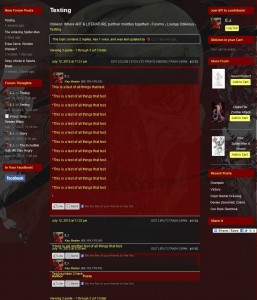
http://www.pressoblivion.com/wp-content/uploads/2012/07/Reply_Truncation.jpg
Thank you for your time!
> Blockquote @JJJ have a look at https://bbpress.org/contact/ at footer links. It’s redirecting us to MY OWN created topic
@Erlend Can you create a new page for this, WP/bbPress can’t find /contact so it is best guessing that this thread is what it’s looking for https://bbpress.org/forums/topic/contact-us-form-captcha-plugin/
I just upgraded to bbPress 2.1 and WP 3.4.1 (at the same time) and now I’m getting the exact same error as the original poster: line 168 in bbp_reply_template. I’m using custom templates.
Simply Awesome!
@JJJ have a look at https://bbpress.org/contact/ at footer links. It’s redirecting us to MY OWN created topic 😉
Is it the markdown plugin that’s making huge spacing in these posts or is that just something from the conversion?
How do I edit bbPress breadcrumbs?
By the way this code snippet works for me:
function custom_bbp_breadcrumb() {
    $args['sep'] = ' | ';
    return $args;
}

add_filter('bbp_before_get_breadcrumb_parse_args', 'custom_bbp_breadcrumb' );
-
This reply was modified 14 years, 1 month ago by Lynq.
It should work, I am not sure if you will need to wrap it in php tags though?
I don’t need to in my functions file.
So, using the code example several posts above, from manuelmasia — let’s say that I wrap that in php tags and drop it into a functions.php file in my child theme directory. Is there anything else that I would need to do in order to get the breadcrumbs to display differently?
-
This reply was modified 14 years, 1 month ago by
 Clay.
Clay.
Because bbPress is just a plugin you should be able to put filters into your functions.php file of your wordpress theme.
Where does one install filters in 2.1?