Search Results for 'bbpress'
-
Search Results
-
[WP 4.1.1
bbp 2.5.6]For creating a navigation menu I need to redirect pages to the bbpress profile url as well as to their default options urls. These are domain.com/forums/users/HERE-COMES-THE-USERNAME for showing profile and domain.com/forums/users/HERE-COMES-THE-USERNAME/HERE-COMES-SELECTED-OPTION for selected options.
I tried several ways with code like this on the page’s template file for the redirection to the profile but nothing worked yet.
<?php /*
Template Name: show user profile
*/

$name= bbp_user_profile_url(bbp_get_current_user_id() );

header('Location: http://domain.com/forums/users/'.$name);
exit();

?>
Thanks for helping!
Topic: Translation doesn't work.
I can’t seem to get my translation to work since updating to 2.5.6.
Wordpress version: 4.1.1
Site language: da_DKThe forum changed to english after updating BBpress. Before that, it worked fine in Danish language.
I’ve tried uploaded bbpress-da_DK.po and bbpress-da_DK.mo til both /wp-content/languages/bbpress and /wp-content/plugins/bbpress/bbp-languages but it still doesn’t work on frontend and backend.
My wp-config.php is set to da_DK.
I’ve also tried to deactivate some of the latest plugins i’ve installed but it doesn’t do it.
Hope someone can help me solve this.
Hello!
I’ve been reading all the topics on the forum and i found many similar issues to my problem, but now solution worked. I disabled all plugins and tried it with default theme also.
When someone subscribes(or creates a topic) to a topic or forum and then someone replys to it, no emails are being sent out to the guy who subscribed. Im using buddypress and bbpress newest version, and buddypress emails-like register, private message etc working, but noone of bbpress related emails are being sent out. I’m using WP SMTP now(before i was using WP MAIL SMTP, but then someone in this forum said if he changed to WP SMTP plugin it started sending, but didnt help for me), and test emails are being sent correctly also.
Any ideas?
Thanks,
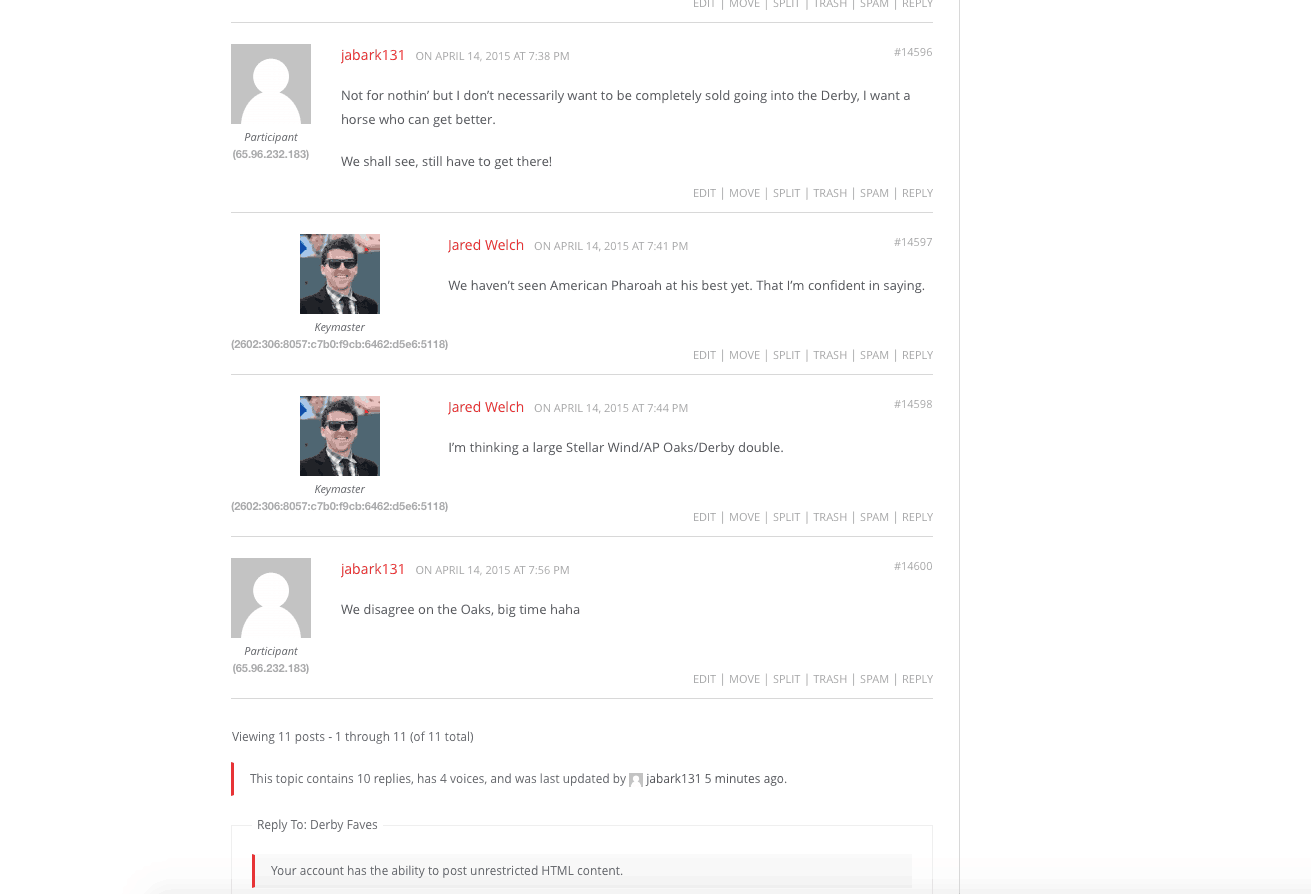
DanielI’m logged in as a Keymaster and when posting in my forums, my IP address is very strange. I don’t think anyone else sees this other other other Keymasters but still, it’s a little annoying when posting and seeing it all the time. See link for screenshot of what I’m talking about:
http://racingdudes.com/wp-content/uploads/2015/04/Screen-Shot-2015-04-14-at-8.04.18-PM.png
Please help, I can’t seem to figure it out. Thanks!
I wanted to upgrade my bbPress 1.2 to the actual one. (I have last WordPress 4.1.1 with new bbPress plugin)
I tried on a WAMP (localhost) installation, and I never got more than 1500 topics imported.
The classic case just hang on “Converting topics (900 – 999)”And when I look into the apache_error.log, I see that apache crashes and restart alone.
And I tried with apache 2.4.2 and 2.4.9I tried to click “stop” and again “start” as I read on this forum. But I get hung with “Starting Conversion” and apache restarts also. I just can see that the import process did a small step more by typing the sql query :”select count(*) from wp_bbp_converter_translator”
in this topic, “e-motion” succeeded. He just clean install wordpress, and import…
https://bbpress.org/forums/topic/upgrade-bbpress-1-0-2-to-2-1-2/page/3/#post-140785
Am I missing something ?Hi – I installed bbpress, thinking about adding forum. Changed mind. Deleted plug in, but now I can’t access wordpress admin. Error message upon log in attempts reads “you do not have sufficient permissions…”. If I reinstall/activate bbpress, I can log into my site as normal. Please help, I need the plug in removed. Have a great day and thank you in advance.
Hello,
My site http://www.walthamforestforum.org is coming together OK. I’m using the 2014 theme. However I’ve got a couple of things I am stuck on and wondered if anyone could help me.
A – I would like new users to be able to register themselves, but with more detail than the standard sign up form allows, i.e. a few custom fields (that will hopefully show up everytime they post) and a recaptcha field. The Profile Builder plug in looks quite good but a bit expensive I think for such a simple requirement. Do some themes have better register pages built in?
A – I’m not too keen on the narrow width of the forums, Could anyone recommend some themes that work well with bbpress on different platforms to maximise available width of display?
WordPress version: 4.1.1
bbPress version: 2.5.4
Looking to have the forum profile displayed within the “Forum Account” tab.
Additionally will like to modify the link of when a user clicks his own name/avatar to view his profile to lead it to this page.
Thank you.
I want to prevent “anyone” writing a topic or reply in the forum from posting any links. Period. I am flummoxed that I can only find one topic on this in bbPress or WP and that topic is almost 5 years old.
I do not require users to register to create topics and make replies and I would like to keep it that way. However, I don’t want to allow anyone to be able to write HTML or post links to “anything” in the forum. If it has to include moderators, even me, that’s fine.
Lately unregistered users have been able to post links to images within their topic or reply that takes users to another website or they are able to post links to image websites in a way that the images are embedded in the reply, without the image being manipulated. One image was so large that all that displayed was an ankle!
I have a plugin in the forum sidebar for users to upload images to a gallery where the images are checked for needing approval. From the dashboard I can edit and size the image and then insert them into the topics and replies. The moderators also know how to do this. This has worked well.
I am leery of links to inappropriate websites and I need to stop this now. Does anyone know how to set bbPress or WP to ban links or is there a plugin that does this?
Thank you, MatocaHi there!
We’re trying to move our forums from a custom Q&A platform to bbPress… very glad there is now an importer! 🙂
So I copied example.php to myimport.php, changed the class name, and updated the tables/columns that apply (the ones that exist in the old database).
And ran the import…
But I keep running into import errors for fields that don’t apply as they don’t exist in the other database, like forums_table.the_reply_count
So for a field that just does not exist in the old database, what’s the proper syntax for “ignore this”? 🙂
For example, this one…
// Forum topic count (Stored in postmeta)
		$this->field_map[] = array(
			'from_tablename' => 'forums_table',
			'from_fieldname' => 'the_topic_count',
			'to_type'        => 'forum',
			'to_fieldname'   => '_bbp_topic_count'
		);
I looked for this on the importer codex page, but just don’t see it. 🙂
Thanks!
DanTopic: locked out of admin
I recently moved our bbPress installation from one folder to another. Everything seemed to go well, accept when I loggged in, my admin account lost all admin privileges.
Fortunately, I have another second test bbPress installation and could see what admin status looks like in phpmyadmin.
So, in the first installation, using phpmyadmin, in the metavalue of the wp_usermeta table, I changed:
a:2:{s:10:"subscriber";i:1;s:15:"bbp_participant";b:1;}to…
a:2:{s:13:"administrator";b:1;s:13:"bbp_keymaster";b:1;}It seems to work. My admin account has admin privileges.
Now I understand the administrator and bbp_keymaster in the string, but what about the rest of the characters? For example, I changed s:10 to s:13.
Is this OK?
I’m just not sure what these other characters mean and what they need to be.
Thanks for any help.