Search Results for 'code'
-
Search Results
-
Hi,
I upgraded to 2.5.8 and now all my forum pages are blank. I can bring up the forum index by using a shortcode, but links from the forum index are blank. Any advice on how to bring my forums back?
Hi all
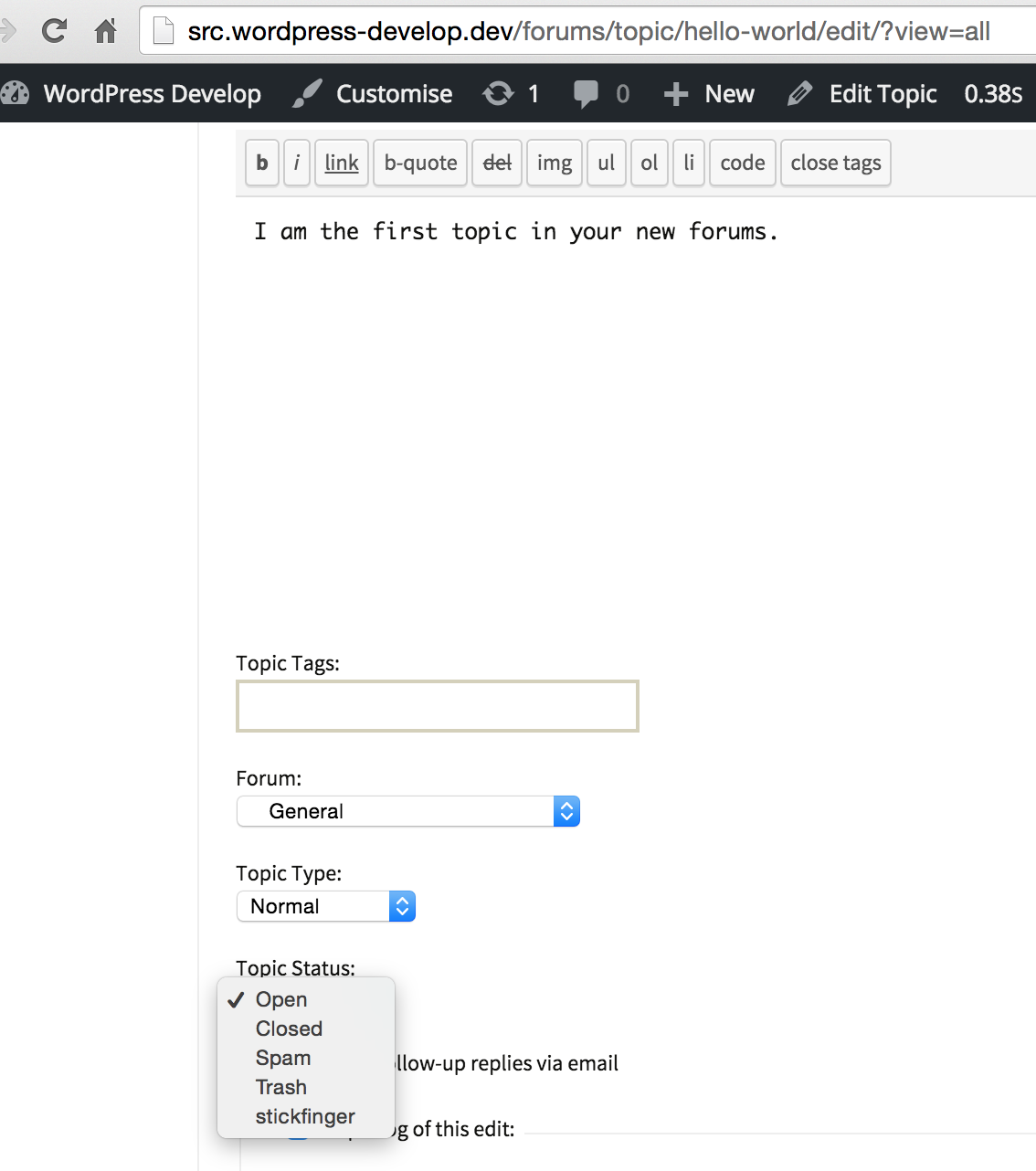
After a lot of digging i´ve found that the only way to translate the Topic Status dropdown strings is via the “bbpress/includes/topics/functions.php”, around line 1963, we have:function bbp_get_topic_statuses() { return apply_filters( 'bbp_get_topic_statuses', array( bbp_get_public_status_id() => _x( 'Aberto', 'Open the topic', 'bbpress' ), bbp_get_closed_status_id() => _x( 'Fechado', 'Close the topic', 'bbpress' ), bbp_get_spam_status_id() => _x( 'Spam', 'Spam the topic', 'bbpress' ), bbp_get_trash_status_id() => _x( 'lixeira', 'Trash the topic', 'bbpress' ), bbp_get_pending_status_id() => _x( 'Pendente', 'Mark topic as pending', 'bbpress' ),i´ve also downloaded the last development version of pt_BR.po from https://translate.wordpress.org/projects/bbpress/dev but despite of strings being there they don´t get translated.
Opening the po with a text editor i´ve noticed the absense of the “X-Poedit-KeywordsList: ” which i guess should be something like that:"X-Poedit-KeywordsList: __;_e;__ngettext:1,2;_n:1,2;__ngettext_noop:1,2;" "_n_noop:1,2;_c,_nc:4c,1,2;_x:1,2c;_ex:1,2c;_nx:4c,1,2;_nx_noop:4c,1,2\n"For now i´ll try to add the keywordlist by hand at the top of my pt_BR file. Hope that fixes te issues specially with the _x:1,2c keyword
What could be wrong with the glotpress generator?
ThanksI have searched and put code together and tested. Now whenever a new post is created in WordPress a new topic is created in a specific sub-forum on my bbPress. This is working great. It brings over the tags and everything.
The one problem I have is that the publish_post action fires every time a post is set to published. So if a post gets set back to draft or pending review, and then published again, another forum topic is created. There are problaby 2097324907629306 ways this can be solved. I am only coming up with some pretty stupid ones I think, so I was hoping someone might have a good idea here.
Here is the code for your functions.php:
function post_published_create_topic( $ID, $post ) {
    $author = $post->post_author;
    $name = get_the_author_meta( 'display_name', $author );
    $title = $post->post_title;
    $permalink = get_permalink( $ID );
    $excerpt = $post->post_excerpt;
    $subject = sprintf( '%s: %s', $name, $title );
    $message = sprintf ('[b]%s[/b]' . "\n" . 'By %s' . "\n\n" . '[i]%s[/i]' . "\n\n" . 'View: %s' . "\n\n", $title, $name, $excerpt, $permalink );
    $tags = wp_get_post_tags( $ID, array( 'fields' => 'names' ) );

    $new_post = array(
        'post_title'    => $subject,
        'post_content'  => $message,
        'post_parent' => 691,
        'post_status'   => 'publish',
        'post_type' => 'topic'
    );
    $topic_meta = array(
    'forum_id'       => $new_post['post_parent']
    );
    $topic_id = bbp_insert_topic($new_post, $topic_meta);
    $term_taxonomy_ids = wp_set_object_terms( $topic_id, $tags, 'topic-tag' );
}
add_action( 'publish_post', 'post_published_create_topic', 10, 2 );
Take that code and put it in your themes functions.php (hopefully you are using a child theme.) The 691 is my sub-forums ID, replace that with the right ID for yours. The format of the post and its content is done on the line that starts “$message = sprintf”.
Now I just need to get it to stop creating a new post every time the same post is published. So far my ideas have been something like matching up the topics title with a string comparison, but that seems a bit heavy. There should be a simpler way and I am just not seeing it right now.