Search Results for 'code'
-
Search Results
-
Topic: re: bbPress and BuddyPress
new to this, still reading…. read this http://codex.bbpress.org/using-bbpress-forums-with-buddypress-group-forums/
can someone advise/confirm what’s the advantage of using BuddyPress “Group Forums” over the “forums” slug in bbPress?Also, I don’t quite follow this instruction…
5. After creating a new page (Eg: “Group Forums”), go into Settings/BuddyPress/Pages and choose this new page to act as the placeholder for BuddyPress Group Forums
I could see Settings/BuddyPress/Pages and it has 2 option Directories and Registration yeah? what do I do from here? Thanks.if not threaded, clicking the
bbp-reply-to-linkcan get #new-post form focused.
But, when threaded, theonClickfunction seems not working. Instead of moving or creating the post form, it reload the page and add query vars.
I’m with bbpress2.5.3, and wordpress 3.8.1I just copied the bbpress theme files to my child theme and thought asking here would be a lot easier than wading through all the code.
I would like to hide replies from anonymous visitors, basically with an if/else statement. If logged in, show replies; if not logged in, hide replies and show a message that it’s for members only. The idea is that the topic would be readable by Google but the replies would be private.
Is there a single theme file I can edit for this or are there multiple files to edit? Trying to figure out which file is like looking for a needle in haystack! Thanks.
Hello all,
I am new to bbPress and I’m pretty astounded by how incomplete out of the box this thing is. I’m really trying to love it but at every turn I’m experiencing a disconnect… : (
URL: http://www.landscapephotographysf.com/forums/forum/landscape-photography-sf-forum/
I’m wondering if someone may be able to assist me through these pretty easy problems, as I can’t find any recent answers on these questions.
1. How do new users login/find password? I’ve already created pages with the short code and added it to the widgets. Doesn’t work.
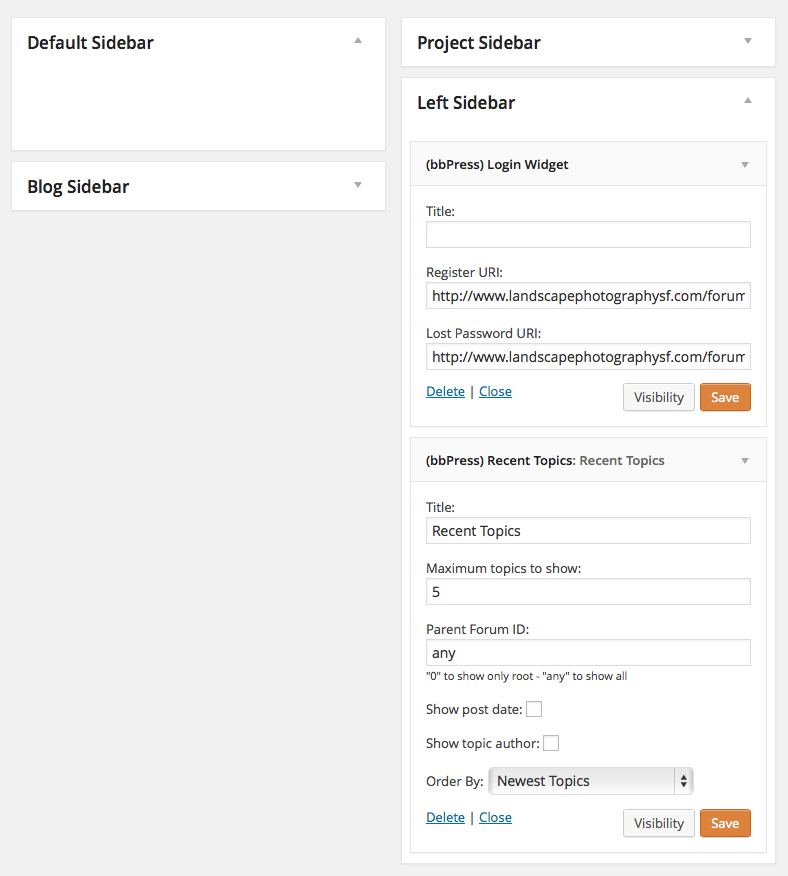
Notice how although the widget is created, it doesn’t appear on the forum:
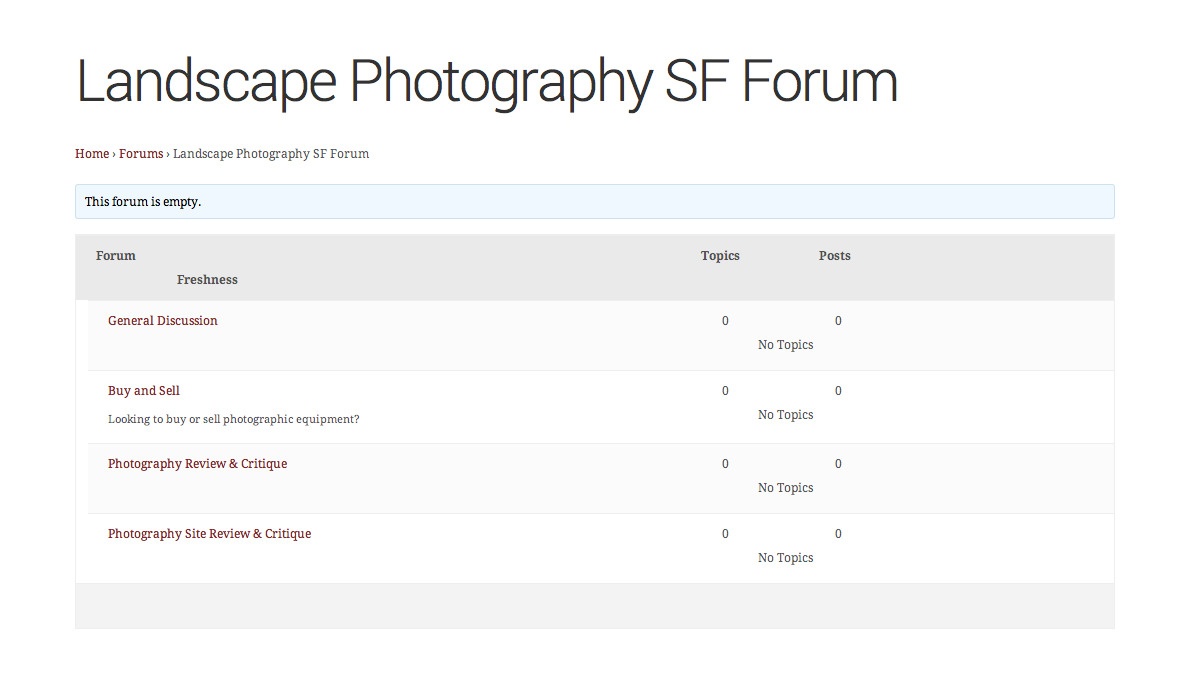
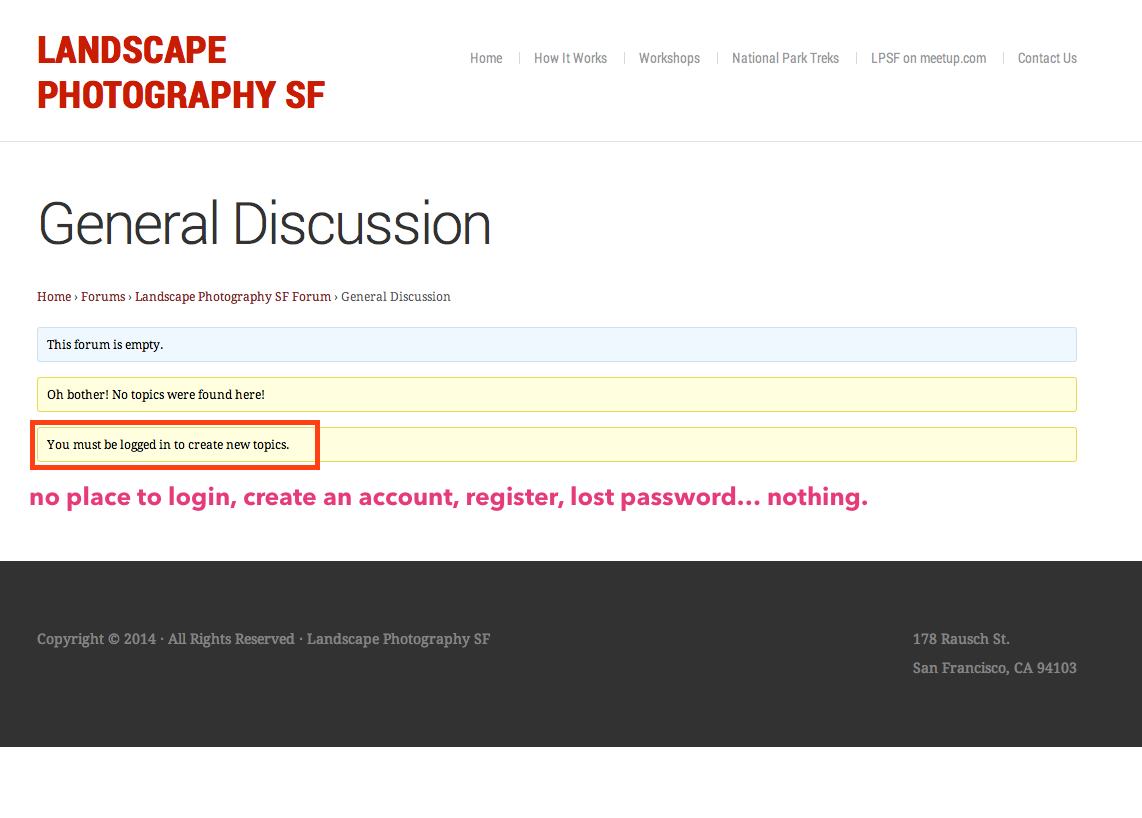
Am I missing something here?
Graham


