Search Results for '\"wordpress\'
-
Search Results
-
Topic: What addons do this??
I have given an honest effort searching to find out which plugins or modifications are needed.. not much luck finding these answers.
What bbpress addon is the wordpress support forum using to put the little check mark on a resolved topic? I did find a support plugin, but its not the right one.
And how is the styling accomplished in the forums there (and here) where you see the “Started by: <username> in: <highlighted forum name>”. I am also trying to get the Freshness column left aligned as opposed to centered in its column.
Topic: Topics list not showing
When i create new topic it shows normally no issues!!
But i had a huge data that needed to be imported on the same site. I used WP All Import Plugin for the import and I imported the data into topics… Actually I only require the topics section so there is forum I want to show… I managed the look. But after the import finished. I cant see the list of topics that meant to be seen on my homepage. Though I see the topics in the sidebar under related topics. I used shortcode [bbp-topic-index] to show the topic on my homepage.
I can also see the topic in my wordpress topics section…
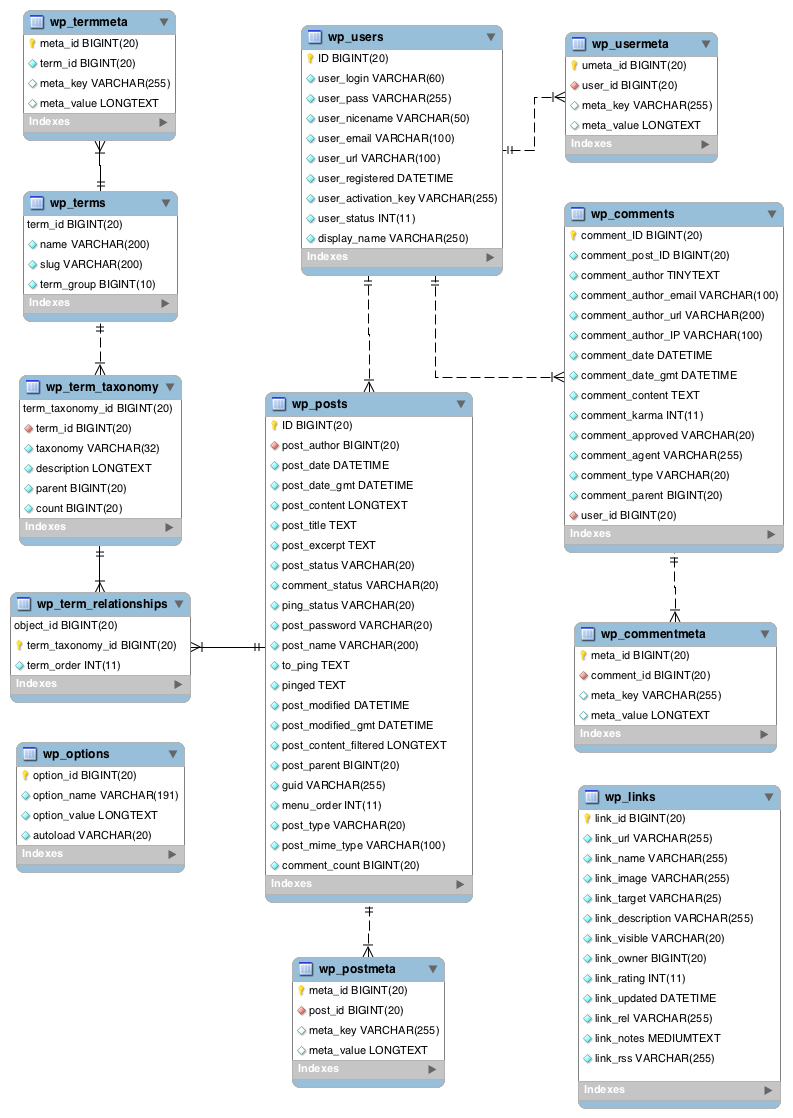
So, I decided to take a look in my database. I saw that earlier when i created topics it was stored in wp_posts table but now after import all that new data is in wp_pmxi_ tables and topics were in wp_pmxi_topics table. I don’t know if that supposed to be but I cant solve this issue… I even imported data again in posts which then went to wp_posts table in database but ofcourse wordpress was taking that as posts not bbpress topics…
Can please someone help me out?Topic: Categories and Topics
Hello. WP version 5.0 BB Press Version 2.5.14
I have a quick question. I have searched and found no answer thus far. It involves creating categories and forums under them categories and then topics showing up in categories that they don’t belong in.
Example:
Category Example 1:
Forum Example 1
Forum Example 3Category Example 2:
Forum Example 2:Now say I post a topic in Forum Example 2 under the category Example 2. When I go to read any topics in category example 1 forums 1 or 3, I see every single post made in category 2. Now that is kind of counter productive is it not? I do not see the need to create categories and forums if all posts are going to show up no matter where I look anyhow.
I have never met a forum system that does this. I helped develop a piece of software based on a forum with close to a million downloads before we called it quits so I am a shade on the forum familiar side but this boggles my mind. I am rather new to WordPress and BBPress so I am more than sure it is my missing a setting or something?
I appreciate all the hard work that has gone into this. I am having a good time with it thus far. My sincerest apologies if this has been covered and beat to death already.
Topic: Search issue
Hello,
I got a bbPress forum on my website using this template : https://afthemes.com/products/elegant-magazine
My version :
WordPress : 4.9.8
BBPress : 2.5.14My problem is when I use search function on my forum, its works not fine : the result is not display. And when I try with Twenty Seventeen theme for exemple, the search works.
My question is : What I must do ? Change my theme ? Or its possible to fix it with my current theme.
Thanks in advance bbPress family !
Hi,
With WordPress 5 imminently upon is, I wanted to check whether there are any anticipated issues using bbPress in a WordPress 5 install that is running the Classic Editor?
I am assuming that as bbPress is used for the support forums on WP.org it will be ok?
Thanks in advance,
John
I am using bbPress and i have created 5 categories E.G general chat, random discussion, marketing, media, off topic. I want to set limitation for users. I want to restrict general chat and random discussion for user A and media, off topic for user B and random discussion, media for user c. Is there any plug-in (free or paid)?
Waiting for your kind reply.
Topic: Localize Reply Date Stamp
Having a really difficult time figuring out a way to output topic reply time stamps in a users local timezone. I have a forum with global users and this is a necessity.
WP version: 4.9.8
bbPress version: 2.5.14Currently using this plugin: Localize Time (https://wordpress.org/plugins/localize-time/)
I am wrapping the bbp_get_reply_post_date() with the shortcode [localize_time]; however, I cannot alter the format of the output date from the shortcode.
I need an alternate solution.
Topic: Visual Editor Forums
writersabroad
Participant
@writersabroad 3 seconds ago
I’m moving my writing community site from Spruz to WordPress/Buddypress site. On the current site we have used the forum function to set up various writing activities under a number of categories where members can post work, goals, and various other things using a visual editor… I want to replicate this on the new site. Any advice on the best and easiest way forward? Will the bbpress plug-in allow me to create a forum category with sub categories?the new site is expatwritersabroad.com but I haven’t completed the set up yet and it’s still under construction.
Thanks in anticipationHere are the details:
~ WordPress 4.9.8
~ Travel Eye Pro theme
~ BBPress Version 2.5.14This issue is with a company Intranet so not accessible from the Internet.
When a new topic is created via the Topic option in the WordPress dashboard subscribers are not notified. When a new Topic is created on the Forum page using the New Topic fields and editor subscribers are notified. I’ve tested this across multiple forums and this behavior is repeatable. I see the new topics in the forums regardless of where they’re entered but subscribers are only notified if the topic is created from the forum webpage. Have I missed a configuration step in WordPress or is this a bug?
Thanks in advance for any help anyone can offer. Happy Monday!