Trying to run a conversion to fix the Anonymous posts. Ran it all day and came home and it was stuck again. I did the same thing I did before where I looked at the last row created in bbpress and found the same post in phpbb by comparing content, then deleted the next one. When I do this the import continues. I would think that since I did this and complete the import this second run of the conversion would run error free but that is not the case. It is near the end and appears to be hung again. I suspect it is no coincidence that it hung twice, just like before. Guess I am not deleting the corrupt posts. Not sure why it keeps going after I delete them. If I delete another random post it still hangs until I delete the right one.
If I wanted to have it print more debug information where would I need to edit? The only information I need is the bbpress post ID and wordpress post id about to be queried and a confirmation right after the query completes. This should let me find the corrupt post.
I installed bbpress and created a forum and a sample topic.
I made sure that this was set: “Allow users to subscribe to forums and topics”
The “Subscribe” link was visible next to the forum & topic.
I did a test and turned off “Allow users ….” and the link disappears (which is good).
I clicked on the “Subscribe” link and it became an “Unsubscribe” link (which is good), but when new topics/replies were made no email notifications came through.
I verified that WordPress is sending emails – so it’s not that.
What else do I need to do?
Do I need to provide any further information about my setup?
I would appreciate a step by step tutorial of how to go about setting up what I describe above. I want users to be able to select which forums and topics they subscribe to.
@pooledge Oh! That is not good and would most likely be the cause 🙁
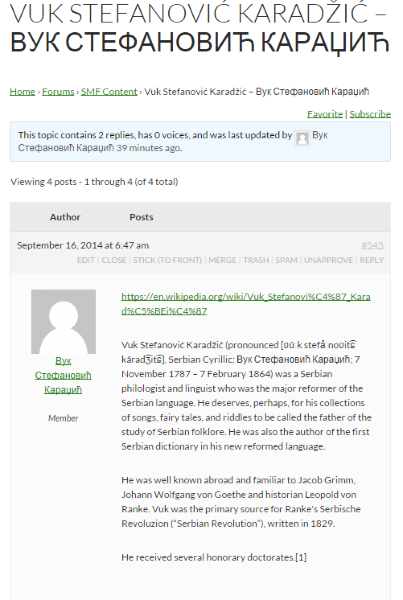
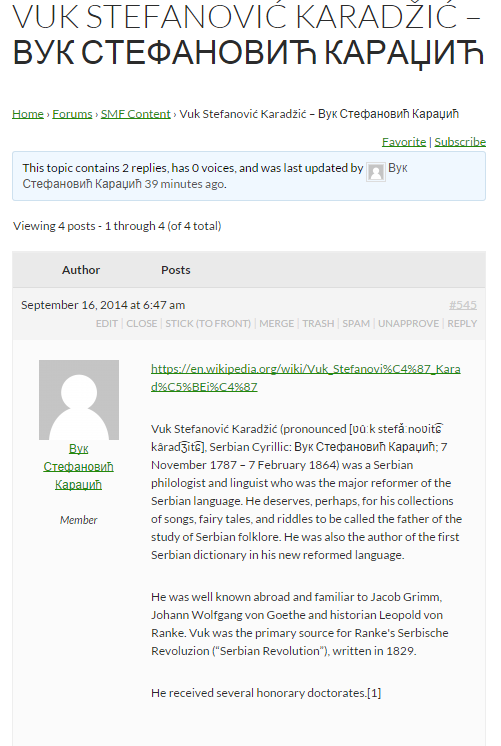
I just created a user Вук Стефановић Караџић (WikiPedia: Vuk Stefanović Karadžić) and indeed the user was not imported.
A quick look around and all we need to do is sanitize the username, I’ll look to add this to bbPress Core in a future release, probably quite a few bits of testing for other language scripts.
If you have one of the two issues listed above, then you can se if the suggestions work for you, or wait. The first has a ticket with wordpress so hopefully will be fixed in 4.0.1
I need some help with one of my sites becouse I can not find a solution and don’t know where start looking for. The problem is that the posts appears also as a CPT I’ve created and as forums in bbPress.
WordPress SEO Yoast get confused when I try to check them and I don´t know why. I am using the last version of WP, bbPress, theme Hueman and PODs Framework for CPT. In this image you will understand better what I mean: http://postimg.org/image/bz0hyoa69/
i also found that when I installed WordPress 4, things went very weird. I was grateful that I managed to recover the site. my website is http://www.webshine.co.uk.
Is there an issue with wordpress 4, should I wait till its stable?
When I upgraded a WordPress installation to use 4.0 from 3.9 the topics would not show on the loop-topic template neither would the topic content show when on single-topic.
I deactivated all plugins (bar ACF and bbPress) and used the default WP theme but the issue still prevailed.
I then reactivated all themes and plugins, bbPress was still broken.
I then overwrote the /wp-admin/ and /wp-includes/ folders of the installation with the WordPress 3.9 version(s) of the files and bam! bbPress was back to life.
There were no error logs on the website either.
Any ideas?
WordPress 4.0 isn’t critical to the site but it’s always important to keep on top of updates.
Is their any idea for creatng JSON API extension for WP-API, work on JSON API for wordpress has already begun but still no has come up with the JSON API for bbpress. Is their any idea about what’s going on inside the bbpress core.
I’m sitting here on a beautiful sunny afternoon in Melbourne typing this on my iPad…
The above was line # 1, this would be line #3,
line #4,
line #5
line #7
line #9
line #10,
line #11,
line #12,
line #13,
line #14,
This “should” work fine and I’ve not heard of this before, can you test this with a WordPress default theme or two, Twenty Fourteen and Twenty Thirteen, I expect this to be a theme issue with whatever theme your using rather than a bbPress issue.
The ----- is caused when WordPress has dropped it’s authentication session with MySQL.
As to further improvements, that is cool and would be great, using the same username and password here if you can create a a new ticket on Trac, our bug tracker here that would be great, if your familiar with SVN you can check out the source and upload a patch.
what I’d like to do is by default show all existing (not just most used) topic tags when someone is creating a topic from within WP
so your saying the way how categories are displayed in backend you want for topic-tags in the frontend.
ive seen a support forum for one my themes authors site i was on have that kind of functionality (but they dont use bbpress), they use something custom.
i think how its done on their site is just some jquery , and kind of does the same functionality that the bbpress quicktag toolbar does.
like set up some a set of words then you click the button and it automatically inserts into the tag area.
but setting it up where all the tags show in the frontend would be difficult , it would probably need a hacked version of the topic tag cloud widget.
but yeah i just did a brainstorm/analysis on what you might need.
im not sure how to do this , as im very much confused by jquery and javascript
I’m about to setup my first wordpress site for my kid’s school.
There are two main topics I want to setup which are forums and galleries.
For bbPress I’d like to shar the user data with WordPress. Unfortunately I can’t find the “WordPress Integration” section of the “Settings” area in your bbPress admin, like it’s menioned at http://codex.bbpress.org/legacy/integrating-with-wordpress/
Has the way on how to integrate changed for wp4? Any hints on how to get this working?
I appreciate you making the extra effort to help me resolve this issue. I am new to WordPress, and I developed this theme from scratch my first. I noticed the sidebar was set to relative and will make some adjustments to ensure I fix the sidebar issue. I didn’t notice it until installing bbPress which is why I thought it maybe an issue with the page template being used. After trying to renaming and adding a copy of my page template file to bbpress.php, I did not notice a change. Again, thank you and I appreciate your feedback.
ok, I looked again. because I had selected ‘wordpress’ it looked fine as there is only one topic, when looking at others it moves.
Your theme is setting your sidebar position to relative which means it sits in the middle vertically of the content, so as topics build it will go lower.
I Suggest you contact your theme provider for how to get the sidebar to stay at the top
I have been tasked with creating a site with a forum on it, i have chosen to do so with WordPress. I have installed WP 3.9.2 and BBpress 2.5.4. I then created at page where users can log in, but when they try, they get redirected to http://www.ellevej.com/wp-login.php with the message HTTP 403 – forbidden.
When they refresh this page, the standard WP login form shows, and they are now able to log in through that form.
I have used the shortcode for bbpress login [bbp-login], as i dont want a sidebar on the site.
Do any of you have any suggestions as to why this happens?
It doesn’t need to be full-screen though. I just want a simple forum, although I do want to be able to have some color, and some control. I have a host, and have downloaded WordPress (to Hostgator) and now I have added the plugin for bbpress. I am just a bit leary of what I am going to “get”. I would love to just install a vbulletin template, but looks like folks are having trouble uploading forum templates from other sites etc.
Thanks in advance for any help;) denise
PS I don’t plan on any other content, and don’t plan this as a business, just a site for seniors so they can visit and have a place to go online:)
a thing you could do is hide the search button and add a placeholder so users know what it is, and also make it kind of like wordpress search in terms of looks.
copy form-search.php into your child theme and overwrite the code with this.
1. change your permalinks to any of the other settings
Dashboard>settings>permalinks
The most often used is ‘postname’
This will not only fix your issue, but make your links look prettier. However if you have links to your site forums from other sites/emails, these links might break (ie they will come up as 404 errors), but if your choice is between users not accessing, or users complaining that the link in that old email no longer works, then resetting might seem a good idea.
2. revert to 3.9.2
see
for quite a good video on how to do it
3. Move your sub-forums up a level ie make them all main forums
I have installed newest version of bbPress and WordPress version 4.0. I have read documentation for setting forum. According to documentation, I have to go to Dashboard –> Forum and add new one. But I cannot find any Forum there.
I’m currently using WordPress 4.0 with bbPress 2.5.4. I have created my own theme and attempted to use bbPress. It works fine. The only issue is when entering the forum the sidebar changes positions. When I tried using TwentyTen theme the sidebar doesn’t appear at all only after uninstalling bbPress does it come back. In the TwentyFoourteen theme, this is not an issue as the sidebar is outside of the mainContent area. My site is http://www.paraquadaccess.com/forums/forum/forums/ I appreciate any guidance anyone can provide.
No, in this case that will not work, what has actually happened is WordPress has “lost” the login connection to MySQL, just refresh the page and login to WordPress again if needed and your fixed.