It’s so odd that bbpress wouldn’t let people….
you do need to accept that your site is unique – there is no other WordPress site that is ‘exactly’ the same, you have a combination of php versions, theme, plugins pages, posts and numerous settings that no-one else has.
Therefore, please do not assume that what you are seeing is what everyone sees –
setting wordpress and bbpress roles to both exist is normal, what you are seeing is not.
it could be a theme or plugin issue
Themes
As a test switch to a default theme such as twentytwenty, and see if this fixes.
Plugins
If that doesn’t work, also deactivate all plugins apart from bbpress and see if this fixes. if it does, re-enable one at a time to see which is causing the error.
If you cannot do this to your site (say because it is live) then use the ‘troubleshooting’ features of this plugin to let you test without affecting other users
Health Check & Troubleshooting
Then come back
I wish it worked that way, the two of them existing side by side. For me, they exist, one under the other. The BBpress roles are listed the same as the regular wordpress roles, right underneath. If I try to “add” participant as an additional role on top of author or admin, it doesn’t add it, it only CHANGES the role from admin/author to participant. 🙁
It would be so nice if the users page would allow BOTH roles simultaneously. But it doesn’t … is there any way to fix this?
there are wordpress roles – administrator, editor, author etc.
and there are bbpress roles – keymaster, moderator, participant etc.
The two exist side by side
Private forums can only be accessed by people with a bbpress role.
The default role given to wordpress users is set up in
dashboard>settings>forums>role
That way you can decide who sees what.
If you have existing users, you can just allocate them the participant role (typically) in dashboard>users>all users> and edit each user.
Hi Robin,
Thanks so much for your help. That’s great to learn that BBPress simply uses wordpress.com logins to verify who the users are, makes it much easier for the authors as they already have that wordpress login setup to generate content.
What I don’t understand now is, the people I want to be able to VIEW AND POST / REPLY / COMMENT in the private forums are people who are already users at veganish.world, they are authors or admins. So … how can they ALSO be users for bbpress private forums? It doesn’t look like it allows me to let them be both an admin of veganish.world content, and a participant or keymaster or moderator or anything else in the bbpress forums …
I just found another question someone was asking, and apparently one sets up the users for BBPress forum in the USERS section of wordpress. OK, that would be REALLY GREAT if that were mentioned somewhere in the welcome information for BBpress. Also, a codex is mentioned. How would one find and access the codex?
Anyway, I sent into the users section in wordpress. I found that there are now BBpress style roles listed like keymaster, participant, etc. But here’s the rub … it does not allow the person to be BOTH an author and a participant, for example. What the heck ?????!!???? How is that going to work? All I want is for all of the authors and admins to have access to a private forum, ideally using their wordpress login as the handshake because they are already logged in and verified that way.
It seems like the capability is almost there, but … what am I missing?
Thank you!
Raquelita Dee
ok, bbpress just uses wordpress users, so anything that registers wordpress users will create users for the forums.
You probably don’t need the private groups plugin, so deactivate that for the moment.
So set the forum to private.
then decide how you would like your users to register.
a) If you just want anyone to be able to register, then
dashboard>settings>general and tick ‘anyone can register’
You can then create a registration page (Dashboard>pages>add new) and put this shortcode in it
[bbp-register]
then add that page to your menu.
b) if you want to ‘vet’ new users, then use a contact form plugin such as ‘contact form 7’ to create a registration form asking whatever questions you want. Set that form to email to whoever, and they then create the user (dashboard>users<add new), and either use wordpress to email the user the password (there is a tick box on the user creation, or copy the password, and send an email to the user yourself.
c) or use one of the many wordpress registration plugins (https://wordpress.org/plugins/search/register/)
The choice is yours 🙂
So frustrated!
I installed BBPress yesterday. I’m trying to set up a private forum for about a dozen authors on our site, so we can ask questions and learn from each other regarding using wordpress or the type of content we want to create.
First Question. I used the bbpress shortcode to add the forum to a page, just as a test. http://www.veganish.world/forums That went well (there is a public forum there, just as a test), but the thing is, how do I add the registered users for the private forum? The 12 people who will have access? I’ve looked in Settings, and I’ve looked under Forums, in the left-hand side bar in WordPress, and I can’t find anything.
I installed Robin’s Private Groups plugin today, thinking that would help … still not finding anything there either, regarding how to MANUALLY add registered users who are pre-approved to view the content in the forums. ARGH.
Such a simple and crucial thing, I don’t know why I can’t find it.
Second Question. Once I figure out how to register a new user, I have a question … can I make it so that if this persons is already logged in at wordpress.com (as they would need to be, to upload new blog posts), they instantly have access to the FAQ author forums, without having to log into anything else?
My web site is http://www.veganish.world, but I don’t see how that would be helpful as I just have two (2) general questions, noted above.
If you go to http://www.veganish.world/forums, you might see a public forum that I posted as a test yesterday, before I realized I need private forums, etc.
Thank you!
Raquelita Dee
It’s a DNS issue. You probably need to set the subdomain manually. Some domainproviders set *.domainname automatically to work with wordpress. But if they don’t, you need to create a subdomain and point it to your multisite subdomain
you would fix this issue by amending a template in your theme, but as you have already said that they don’t let you change stuff, then I suspect that you will have to live with what is being shown.
Sorry, limited ability to fix when you have limited ability to use WordPress
Hi @desberdin,
Is this the same issue?
https://bbpress.trac.wordpress.org/ticket/3454
Or, am I confusing two different things? If it’s the same issue you might take a look at that ticket and see if you have any comments to add to it.
Mike
ok, install
bbp style pack
once activated go to
dashboard>settings>bbp style pack>shortcodes
and you’ll see [bsp-display-topic-index] with lots of options including picking from selected forums – insert this in a text/html/shortcode box – if gutenberg, then a shortcode box.
I want to use bbpress in sub-site network.
I was able to install it, create a forum and display it on [bbp-forum-index], but when I click on the permalink to display it, I get an error that not even wordpress itself is loaded. Please let me know if you know a solution.(I cheked it run correctly in main site)
this is the code what I can show the forum page
<html>
<head></head>
<body></body>
</html>
yes I suspect it is wordpress update.
as a punt, try this – I have low hopes of it working 🙂
function fnctn_add_thickbox () {
    add_thickbox();
}
add_action ( 'wp_enqueue_scripts','fnctn_add_thickbox' );
Put this in your child theme’s function file –
ie wp-content/themes/%your-theme-name%/functions.php
where %your-theme-name% is the name of your theme
or use
Code Snippets
thanks – ok I’m not seeing this, so either it is a setting, or a combination of theme/plugins
maybe try
Themes
As a test switch to a default theme such as twentytwenty, and see if this fixes.
Plugins
If that doesn’t work, also deactivate all plugins apart from bbpress and events calendar and see if this fixes. if it does, re-enable one at a time to see which is causing the error.
If you cannot do this to your site (say because it is live) then use the ‘troubleshooting’ features of this plugin to let you test without affecting other users
Health Check & Troubleshooting
Then come back
as this is a paid theme, I’d start by asking the theme authors.
This also might be an FSE theme, if so, then try adding
bbp style pack
once activated go to
dashboard>settings>bbpo style pack. If it is an FSE theme, you’ll find a tab called theme support and can enable this.
Hi everyone,
global-wrestling.com/forum – I’ve embedded the forums here using the shortcode. however, if you click for example the ‘wrestling’ forum, you’ll note that it isn’t picking up the website layout.
I’ve tried editing topics, forums, login and newtopic in the pages section of WordPress in pagelayer, and it just comes up blank.
Can anyone help advise me how I embed the sub forums (i.e. wrestling, OOC, etc) into the website template?
Thanks,
Sc00t
bbp style pack
once activated go to
dashboard>settings>bbp style pack>Profile
and select what you want
I more suspect that it is related to upgraded versions of wordpress or php and that bbPress Multi Image Uploader has not been updated for several years.
As far as I can easily test, all seems ok, but under 8.1 you get a load of php warnings for wordpress itself.
From this trac ticket
https://core.trac.wordpress.org/ticket/54672
WP think that as this only shows when debug turned on it is fine, but as I always have it on in my test site because I am developing, it displays all over the place, so I’ve gone back to 8.0.x
Hello @vvmdov and hello to BBpress support.
I’m also using BBpress(2.6.9) on my website(WordPress 6.0.3) with Divi theme(4.19.0 — it’s a child theme — ) and it seems I’m facing the same problem, especially when I use the search field.
As soon as I launch the search, my global header and global footer don’t appear correctly, all the css seems to be broken…
See here :
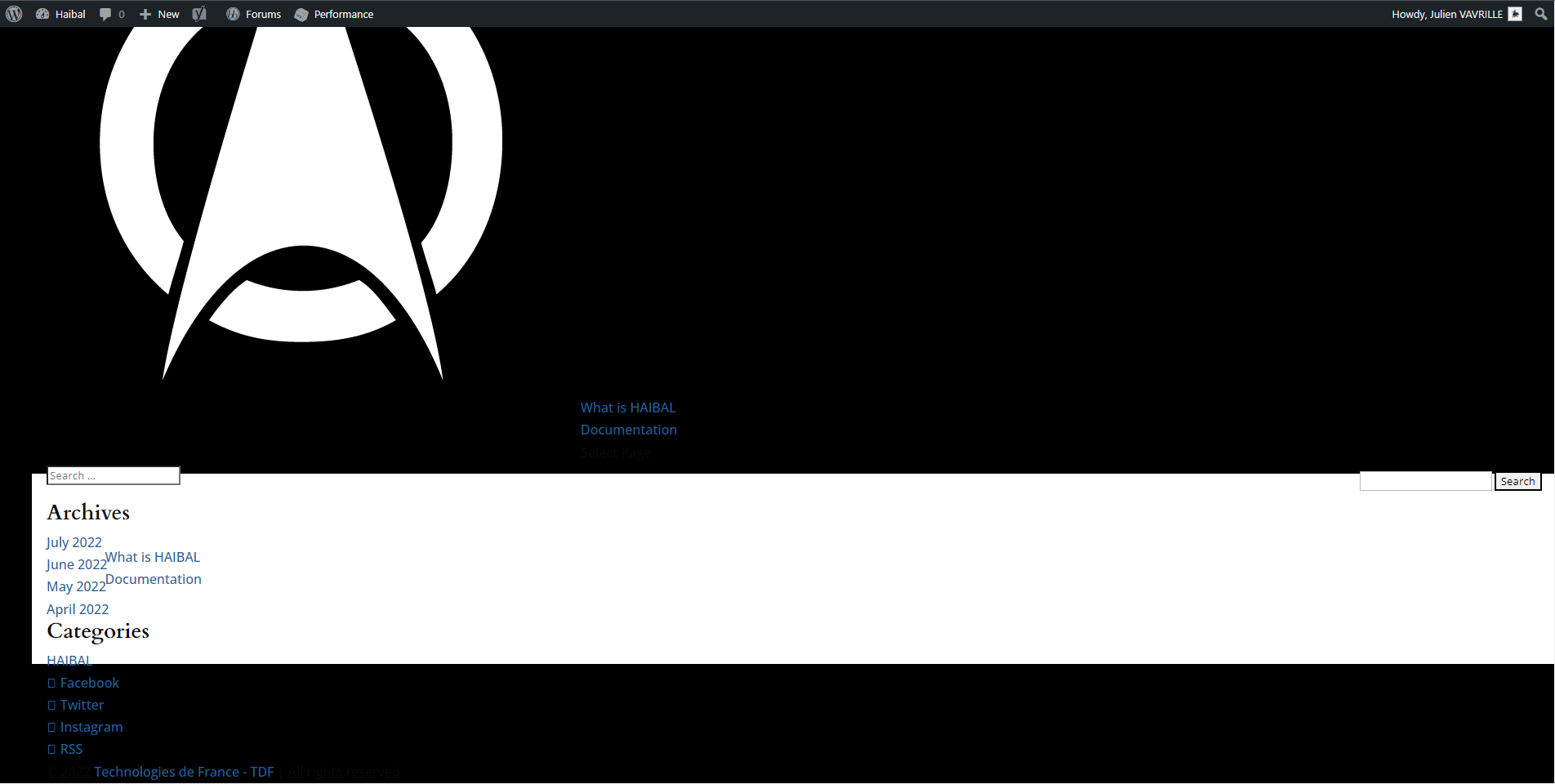
The only thing I could notice is that when I disable Dynamic Css in Divi options (General>Performance), the search comes back more or less to normal but I still don’t have my global header and global footer.
See here:
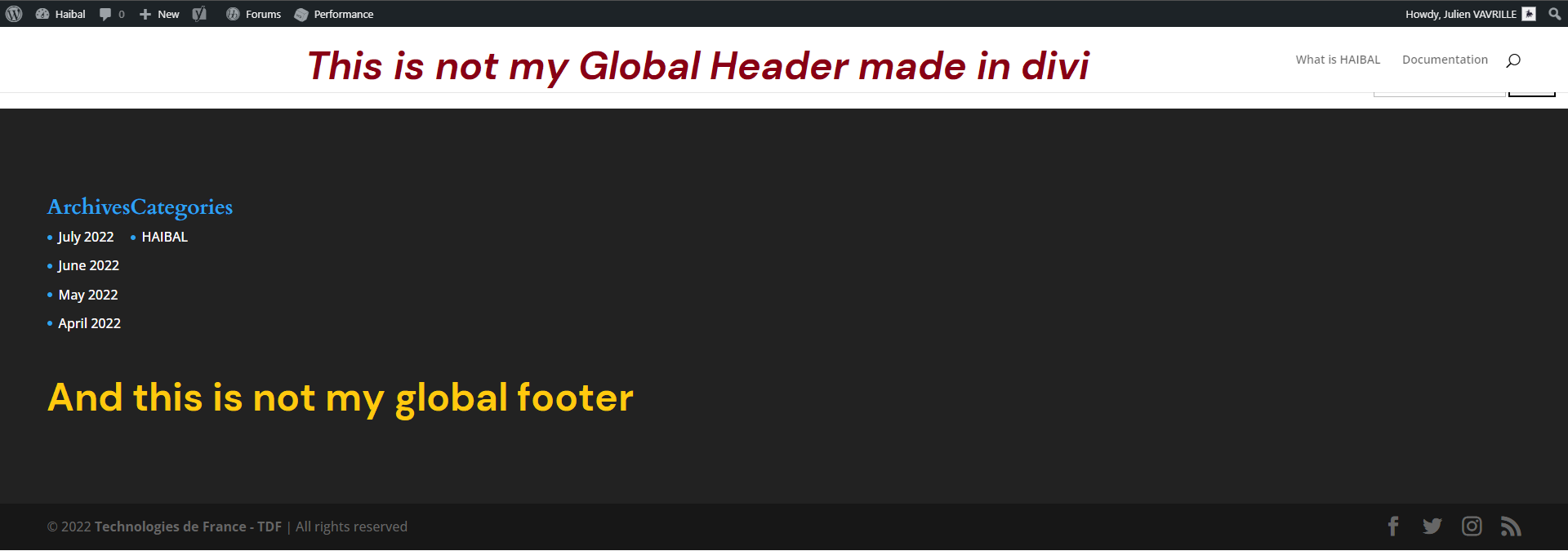
Do you have any idea where this could come from and how to fix it?
Thanks
Sure. Thank you. If worse comes to worse i may have to disable subscriptions completely via wordpress.
ok, I’ve just added subscription management from the toolkit plugin to
bbp style pack
once activated go to
dashboard>settings>bbp style pack>subscription management
on topic order
bbp style pack
once activated go to
dashboard>settings>bbp style pack>topic order
you can change the WordPress profile to bbpress using the
bbp style pack
once activated go to
dashboard>settings>bbp style pack>login>option 6
This really should be added to bbpress. In the meantime, you can use
https://YourDomain.com/wp-admin/profile.php
as a permanent link to a user’s profile. HOWEVER: This sends people to their WordPress profile page, not to the more friendly looking bbpress profile. It does still allow them to do all the changes to their settings though.


