bbpress bypasses the standard profile update of WordPress with its own form. So, none of the standard plug-ins are likely to do this. The function that needs to be modified is: bbp_edit_user_handler in wp-content\plugins\bbpress\includes\common\functions.php.
I added my own edit check (just before the caps check):
$symbol = preg_quote('~!@#$%^&*()_+-=[]{}"|?<>.,|£’);
if (strlen($_POST[‘pass1’])<12)
{
if(!preg_match(‘/^(?=.*\d)(?=.*[A-Z])(?=.*[a-z])(?=.*[‘ . $symbol . ‘])[0-9A-Za-z’ . $symbol . ‘]{6,16}$/’, $_POST[‘pass1’])) {
bbp_add_error( ‘bbp_update_user_capability’, __( ‘ERROR: The password must be 6 or more characters with at least one uppercase, one lowercase, one digit and one symbol.’, ‘bbpress’ ) );
return;
}
}`
It’s not really a check for “strong passwords” based on the WordPress meter, but it is better than nothing. I don’t really know enough about PHP/JavaScript etc. to do that. I also had the password generated modified to fit these rules, but the reality is that the generated password is already a “strong password”.
Yes this is possible, bbPress posts are the same as WordPress posts so you would be able to send an ID to an ajax function and then retrieve a topic by ID with replies and display it in the “Load topic here” area.
Good luck with your build! 🙂
Im trying plan our forum layout. I have purchased the Support Desk theme from Hero Themes, but I want to change some things to the forum. Most importantly i want to choose topics in a left pane, and have them load in the right pane. The idea is that people dont have to go back and forth.

Were going to post a project on freelancer.com or similar, but it would be nice to know a little bit more before we go ahead. Is this a simple matter of creating a wordpress template, or do i need a bbpress-expert? Is there a reason why i hardly see this layout on forums i dont know about?
Multiple user levels – https://wordpress.org/support/plugin/bbp-private-groups plugin should do this
Capacity to see at a glance live updated list of who has commented – could be coded but is not in the current version.
Is there a way to integrate Dropbox – not that I know
He would like a tag cloud also. – yes that’s there
Hello
I am quite a newbie in regards to web design/development, especially wordpress and bbpress are quite tricky to learn when not knowing anything about php etc.
For about 5 months i have been hacking away and pasting existing code to create what I hope to be a nice allround bbpress/buddypress theme.
It is still being worked on but I would love some feedback on my progress.
BBFacelook theme development
Thanks in advance
Peter Hamilton
One of my main motivators of continuing with BBPress is Tamriels foundry, one of the few examples that show that it is possible to create a forum similar to that of premium forums, with the added bonus of having wordpress/bbpress and budypress with their helpful communities.
You guys rock and thanks to looking at your code I am able to create my own community site.
http://www.cultivators-forum.com
+1
P.H.
‘You can pass wp_query args into bb_has_topics(), but I can only only come up with code that shows topics from one forum – not multiple forums.’
I’m afraid I don’t have time at the moment to do lots of coding for others, but take a look at this plugin
bbp Private Groups
Look at includes/topics.php for how I did this for private groups – called pg_has_topics, it may give you some help – I used ‘post__in’ to create a list of topics to display
So you could do a coupe of loops to create this list and the pass that to the bbp_has_topics function.
‘post__in’ is realy, useful sometimes
see
https://codex.wordpress.org/Class_Reference/WP_Query
About the second issue, here is the scenario I used as I remember it:
1. create a topic in forum A
2. edit the topic (WordPress editor, not “modify button”) and change the forum for this topic to forum B
3. from the WordPress dashboard, go to Topics/All Topics
4. move the topic to Trash
5. go to Trash, recover the topic
Expected result: the topic is recovered
Actual result: a new page popped up asking me if I really wanted to do that with a retry link. Hitting retry didn’t actually recover the post. The post never got recovered
Btw found another issue today:
prerequisites:
– BuddyPress must be installed and a menu must be available to show the site-wide activity
– forum A is public, forum B is hidden
– user 1 has access to forum A only
– user Admin has access to forum A and B
1. with user 1, create a topic into forum A which is a public forum
2. with user Admin, click Modify button on the topic, and change the forum of the topic to forum B which is a hidden forum
3. go to the BuddyPress Activity page of the site and observe
Expected result: activity of user 1 posting a topic into forum A is not present
Actual result: activity of user 1 posting a topic into forum A is present. This is a security issue as users can see publicly a post that has been moved into a hidden forum.
I have tried various repair options for this one but that didn’t fix the problem and the topic still shows up into the Activity page.
Your first issue is a known issue and is fixed for the next release of bbPress.
https://bbpress.trac.wordpress.org/ticket/2587
A workaround for that issue is to run the repair tools after moving a topic.
Your second issue could you give detailed reproduction steps and I’ll take a look.
eg.
1 Create this
2. Do this
3. Click this
4. Now this
Results: This is what happened
Expected Results: This is what I expected to happen.
You cannot import from a remote database. You should download the database and upload it to the same database server you are using for WordPress.
Thx for taking a closer look Stephen! ( @netweb ) – this is seemingly simple – though not simple in seamless execution in a multi-site setup. I’m fairly sure the best way to handle this auto re-direction to the root when registering from WPMS sub-sites is to create a unique wp-signup.php file for any sub-site where one DOES NOT want the re-direction to the root site on registration. I started to test Chris Wiegman’s (& others) method:
http://chriswiegman.com/2010/02/using-a-custom-wp-signup-page-with-wordpress-mu/
Which would work – though I didn’t got deep enough (yet) to get the re-direction(s) to the root to stop-happening.
My ‘temporary’ sol’n @hamsterdj involves two plugins:
1. Login with Ajax
2. WP-Members
While my ‘temporary’ sol’n 100% works (for now) – I’m going to dig-in & try my hand at the custom wp-signup.php sol’n for each sub-site registration as I’m more in favour of soln’s of this nature that do not 100% rely on plugins!
-Jeff
I think its WordPress problem, i try to deactivate the bbPress and the link keep showing the slug instead of the ID
–
Sidati
Hello,
I’m a WP developer, and i tried recently to integrate the bbPress with a wordpress theme, and i can understand why there’s 3 post-types (forums + topics + replies ), why not just one post-type (topic) and forum can be just (taxonomy) related to this post-type and then replies are just normal comments (make the “topic” post-type support comments). that make a lot of thing mush easier.
– like comment/replies moderation.
– manage the forums (taxonnomies) easly.
– reduce the DB size and benefits from the taxonomies, posts, comments tables instead of push everything in posts table which is the largest table.
– and this make the bbPress super easy to integrates with themes. (its just post-type :)).
Is there a purpose from going on this complicated way ???
Anyway thank you for this great plugin, em truly appreciate this effort 😀
—
Sidati
Great – keep looking – there must be a reason , and if not database, then next will be
checking plugins are the same (inc version)
wordpress is the same (inc version) and
theme is the same (inc version).
Then it would be either
file corruption, so re-installing all the above software.
or server issue, check server specific files, check same php, MySQL and other software versions.
but there must be a cause !
ok, php version use different code see
https://codex.wordpress.org/Widgets_API
The widget can then be registered using the widgets_init hook:

PHP 5.3+ only:
add_action( 'widgets_init', function(){
     register_widget( 'My_Widget' );
});

PHP 5.2+:
add_action('widgets_init',
     create_function('', 'return register_widget("My_Widget");')
);
I’m using code for 5.3 + – so if your site is using earlier, you would need to amend the line.
@robin-w Thank you for your reply.
I want Bbpress always use /%post_id%/, without affecting wordpress set (Because my wordpress set to /%postname%/).
My situation is quite similar with aisajib. So bbpress must be set to /% post_id% /, but wordpress unaffected.
Sorry for my English, I hope you can understand what i mean.
‘I have the theme setup running on two domains, the one i use for testing, the funny thing is when posting on that site, the first post of the thread is shown.’
This would tend to suggest that something is different or not set the same. Are both on remote servers, or is one on a local PC running wamp or mamp?
Not showing a topic is a common symptom, but with many different causes, so there is no one solution.
There are a number of things you can try.
Resetting permalinks – sometimes fixes – in your WordPress Administration Screens navigate to Settings > Permalinks, select a different permalink structure and save. Then select your preferred permalink structure and save again.
Repair Forums – Dashboard>tools>forums>repair forum and run one at a time.
Plugins
Deactivate all but bbpress and see if this fixes. if it does, re-enable one at a time to see which is causing the error.
Themes
If plugins don’t pinpoint the problem, switch to a default theme such as twentytwelve, and see if this fixes.
Wordpress use /%postname%/ and Bbpress use /%post_id% , how ?
My forum page shows my forums correctly, but I want to make the column title say Tournaments instead of Forum. How do I make this change?
I’m using bbpress 2.5.3, wordpress 3.9.1
You would need to cut some code, but basically you would be looking at
using some code from the widget to find the latest topic
then maybe using the shotcodes
[bbp-single-topic id=$topic_id] – Display a single topic. eg. [bbp-single-topic id=4096]
and if it has a reply
[bbp-single-reply id=$reply_id] – Display a single reply eg. [bbp-single-reply id=32768]
using the do-shortcode function https://codex.wordpress.org/Function_Reference/do_shortcode
If you do this, please post the result here for the benefit of others !
That is a little disappointing 🙁
If you look at the HybridCore 1.5.5 included with the Spine 2.0 theme there is full support for bbPress built into HybridCore and for whatever reason Spine is not taking advantage of that functionality.
I just downloaded Spine and tweaked the index.php and bbpress.php files so bbPress will work with your theme, I haven’t the time to fully test if ‘everything’ works but it looks like it does. Both files go in and replace any files of the same name in the root of your theme folder e.g. /wp-content/themes/spine.
https://gist.github.com/ntwb/1d884eb7bb889906285d
You could also create a WordPress child theme to put them in which would be a little cleaner and save any pain during theme upgrades. I would expect themehybrid.com to have some tutorials on this so you can get some value for your $29 investment 😉
(Ignore some of the oddities you see in these pics,
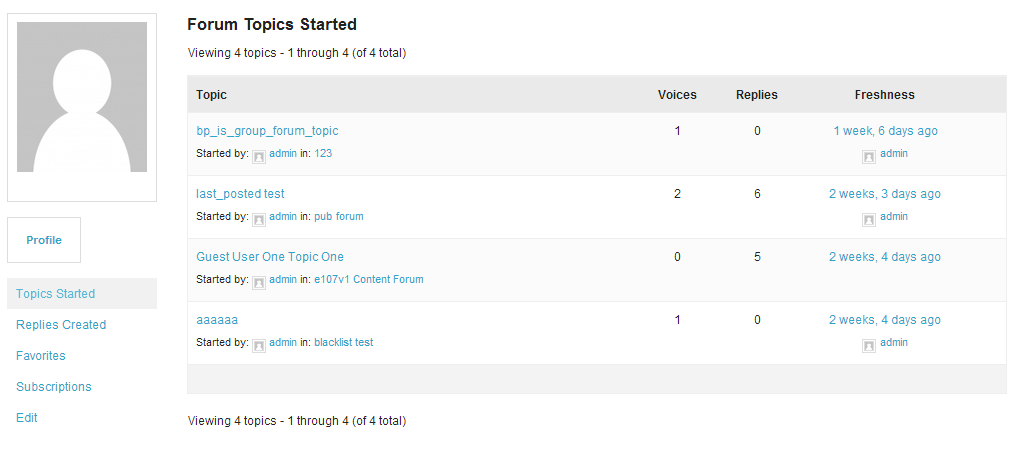
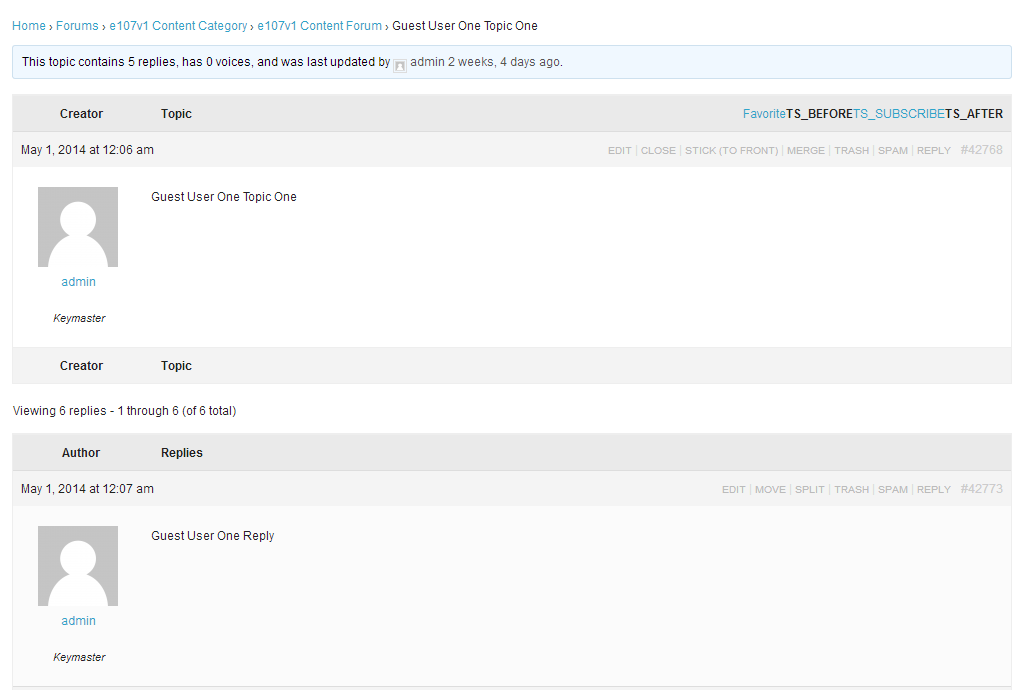
Hello,
To start with, I’m on bbPress 2.5.3 and WP 3.9.1
I currently display a list of topic titles (say 5) from a particular forum on my homepage using the bbPress Recent Topic widget that comes along with the installation.
I want to show the most recent topic from this forum and the first reply made to it on my homepage. Any thoughts or inputs will be helpful!
Thanks
I’ll try to take a look at this this week, there are a couple of ‘gotchas’ when running bbPress in WordPress Multisite. I’ll try to document said findings on the codex and create/update any tickets on Trac.
Cool, it might also be worth creating a topic on the themes forum to a) Hope for an answer and/or b) To add an answer if when you get it sorted.
https://wordpress.org/support/theme/spine


