Search Results for '"wordpress'
-
Search Results
-
Hi, I am trying create different forums for different Exams under one WordPress website using bbpress. I am bit confused about the Forum and Category. Let me know which on of the following is correct?
#1 ——————————————————
Forum 1 (eg. Exam 1)
Category 1 (eg. Math)
Topic 1Category 2 (eg. English)
Topic 1Category 3 (eg. Science)
Topic 1Forum 2 (eg. Exam 2)
Category 1 (eg. Math)
Topic 1Category 2 (eg. English)
Topic 1Category 3 (eg. Science)
Topic 1———————————————————
#2 ——————————————————
Forum 1 (eg. Exam 1)
Sub-forum 1
Category 1 (eg. Math)
Topic 1Sub-forum 2
Category 2 (eg. English)
Topic 1Sub-forum 2
Category 3 (eg. Science)
Topic 1Forum 2 (eg. Exam 2)
Sub-forum 1
Category 1 (eg. Math)
Topic 1Sub-forum 2
Category 2 (eg. English)
Topic 1Sub-forum 2
Category 3 (eg. Science)
Topic 1
———————————————————After creating the forums I want to create menu with dropdown list of Forum 1, Forum 2, etc.
Archived old site: imapiece .com/connect1/
New wordpress site curently being developed: imapiece .com/
WP version: 4.8.1
BBPress Version: 2.5.13
(I broke the links and removed the https:// because the previous posts I made where all the links worked were never approved by mods and stayed in limbo, just take out the space before .com and they’ll work)I am moving my current guild forums from PHPbb to buddypress/bbpress in wordpress.
There is one thing I can’t seem to find, and ive been looking around everywhere and it seems im not the only one looking.
bbpress .org/forums/topic/looking-for-an-application-pluginHere is what im looking for, user registers and then applys for a specific group by going to a page with the php form and on submission the post is made in a specified forum.
So lets say there is a page with links to the groups pages and on each page is a application to join that group because the cosplayers have different questions than car guys or wow players. User fills out the app and when they submit it creates a new thread in that groups recruitment forum.
Here is the addon that I use with phpbb
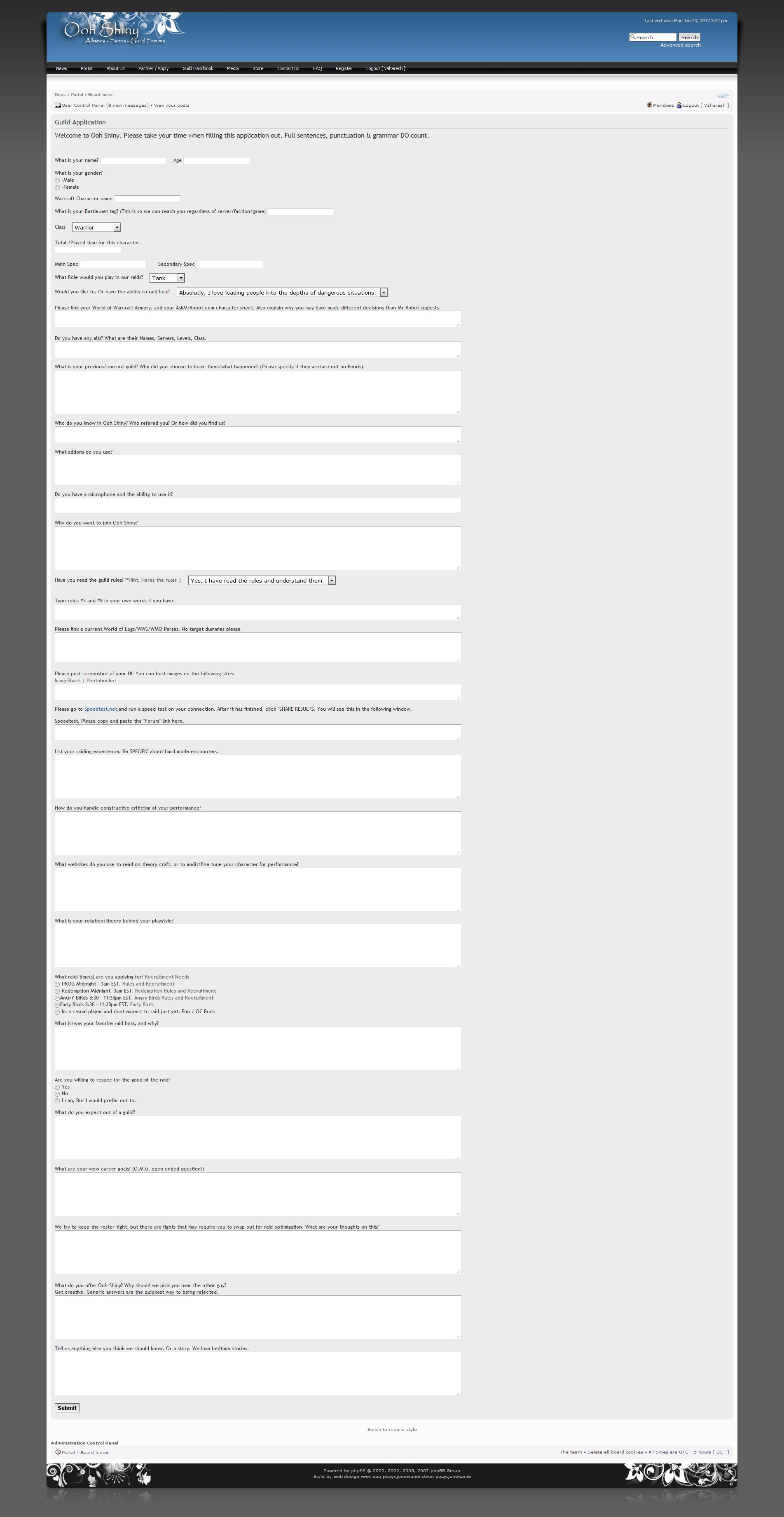
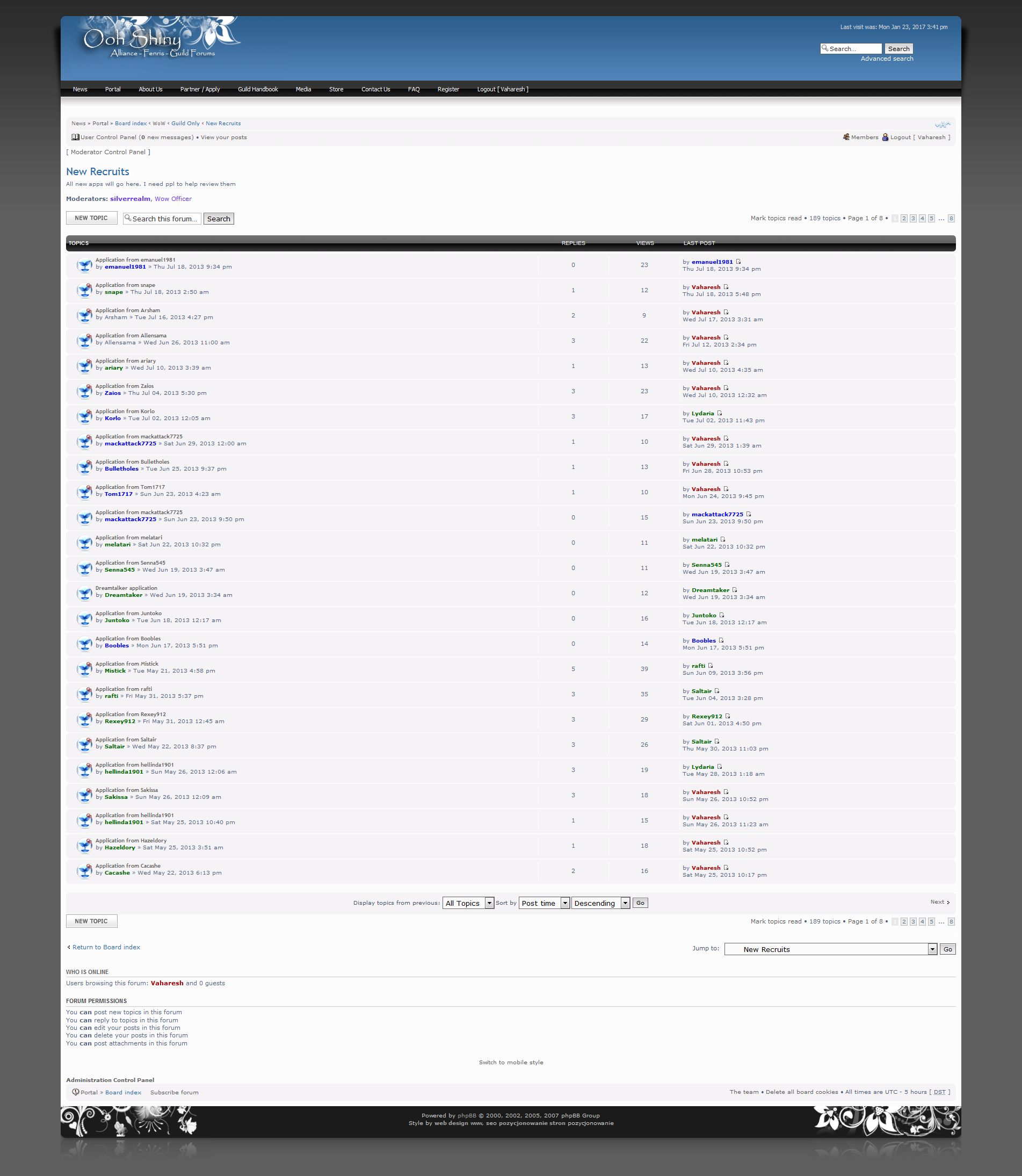
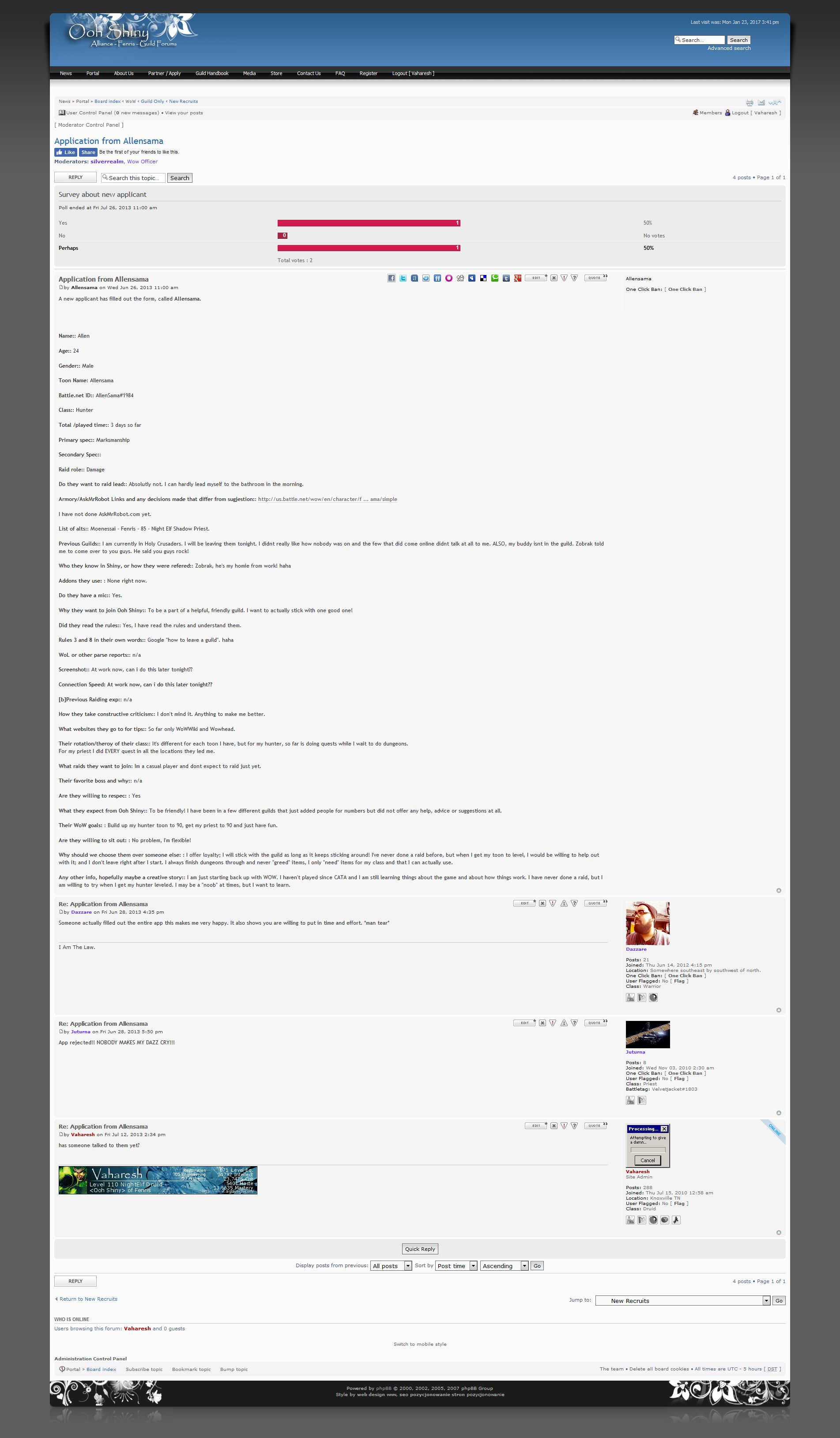
phpbb .com/customise/db/extension/application_formHere are some screenshots of it in its current use
Front end application
Then it creates a new post with New Application from %username
Then in the output view it has it in its own post
Has anyone seen ANYTHING from bbpress or buddy press that can do this? I have been looking and as mentioned I can’t find a solution anywhere. Closest I found was an option in gravity forms to send to trello or via email but that doesn’t make a new thread in a pre determined forum where community members can access and respond to it. I’m bootstrapping this myself if anyone knows a place that contracts this stuff out. I don’t have a lot of money, but the guild is dying and i dont know what else I can do.
Thank you for any information you may have available,
InTempestHello,
I’m not sure which version of wordpress and bbpress I’m using but I just downloaded it so I would assume it’s the most recent version.
I’m trying to build a wordpress site which acts purely as a forum. I am using the twenty sixteen theme, I loaded bbpress and I got the opening setup but I can’t add an option to register or retrieve lost password. I tried adding it to the widget as well as using wordpress tweaks, none of it worked. In addition, for some reason, the login suddenly switched to text, [bbpress login], instead of showing the login box which used to be there. My site is forum.campexpo365.com. Thank youHi there,
I am currently using the below versions of WordPress and BBPress:
BBPress version 2.5.12
Image Upload for BBPress Plugin version 1.1.14
WP version 4.8My website is myfertilityfocus.com (the forum is for members only).
When I originally installed the ‘Image Upload for BBPress’ plugin, there was an option for setting the dimensions of the image that was being uploaded to a post. Now this seems to have disappeared. If a member wants to post an image, there is no way for them to set the dimensions. Do you know what has happened here? Images are ending up way too big on members’ posts!
Topic: Importing Users
Hi,
I’m trying to move my entire WordPress site to another server. I export users, forums, replies and topics but when I try to import the topics I get the “WordPress Import assign authors” for every single user in my site even though I have already imported the users first.
What is the best way to go about exporting and importing BBpress and users?
Thank you,
ChrisHi,
I used bbpress Version 2.6-beta-2. When i search content in forums. After enter “search” It always come to homepage
– I tried test deactive one by one plugin still same
– I tried change to defaul wordpress theme still sameHope to have solution
Thanks
Topic: Imgur Button Integration
Hello guys,
Is there any chance to have this plugin integrated in bbpress?
Would be a perfect addition!
The idea is to users upload images directly to imgur.com and post in the forum…
Hello there… I’m not sure what I”m wanting to do is possible… or maybe it is with the correct plugin. But basically I want to know if a visitor logs in through the wordpress login does this also log them into the forum as well.. and vice versa? I want my site to basically be a community. Meaning to do or see just about anything (including the forums). You need to register for the site. I want one simple registration, login, log out, ect that will register users for both the site and the forum all in one. Does this make any sense? I don’t want users to have to create a wordpress account then ALSO create a separate account for the forums. Is this the way it works out of the box? If not is there a way to do this? Thanks in advance for all your help!
Hello,
See http://www.derekandromaine.com/boards
Or see: https://drive.google.com/file/d/0BzmtEJeuWu1dNDFRNGRaMnNsVGM/view?usp=sharingThey are currently hidden from the navigation.
Look in the Intros section and click the Test post.
You will see in the reply area, the Submit button is cut off on the right side. In fact almost everything is slightly cut off on the right margin.
In addition, the Subscribe link is left justified where it shouldn’t be.
The website is using the most current WordPress, most current WooThemes Canvas theme, and the most current bbPress. I have updated all plugins to current versions.
I have also disabled all plugins and see the same result. When I switch to the twenty-seventeen wordpress plugin, the submit button is not cut off and things look a bit better, but the Subscribe link is still too far left justified. So this is a conflict between the Canvas theme and bbPress.
I opened a support ticket with WooThemes and they have suggested trying to use the plug-in http://www.rewweb.co.uk/bbp-style-pack/ to resolve any style issues but the plugin looks very complicated to use.
Any suggestions?
Are there any “current” documentation that someone has written, on how to make Canvas play nice with bbPress? I found some old sites with comments about this but nothing recent (which might relate to more current versions).
The site that hosts my wordpress site told me that they don’t allow membership plugins on wordpress sites. So I can’t make login and register pages and put shortcode in them which is what many people do. My host says users can register and login via a different window which they sent me a picture of. I don’t know how to do an attachment so I’ll describe it. There’s 2 text boxes. The first one is “Username or email address” and the second one is Password. Above the small window is a big white capital W in a blue circle. Below the window is “Register” and “Lost Password”. I assume this is a default login window. This is what my host wants me to use. How do I set this up? Thanks.
Topic: Forum causing crawl errors
Can you help please. I installed bbpress and buddypress on my wordpress website. Every time someone posts on my forum it is creating a google crawl error.
I had no crawl errors in google as I fix them as they appear. I now have 140 crawl errors and rising. Please help. Thank you,
Terry.I triple checked my UN and PW for both the admin and my personal user account for my site, outdoorwomensalliance.com which is a wordpress.org site. I can log in fine to my WordPress site with them (so I know they are correct) but I can’t log in to bbpress.org to get into the support forums. I had to create a new WP.org account to get in and post this. I have another issue (which is why I needed to be able to log in! 🙂 but I’d like to get this sorted first so my team can log in for support using the main admin account.
If anyone has an idea of what might be going on, I’m happy to provide info to troubleshoot.
Thanks!