Search Results for 'bbpress'
-
Search Results
-
Topic: some questions
Hello, I have the following questions. Does bbpress use the user roles of wordpress?
I would like to include a separate forum for individual events on my website, that relates only to the topic of the event. Is this possible?
DavidHello Everybody,
First English is not my native language and I’m not really advanced in webdesign, sorry :).
I have a weird issue with my header in my bbPress forums.
All my main forums show the correct header e.g.
But all my sub-forums show a wrong header e.g.I have created a “single-post” template in elementor for this pages. Both, the main as well as the sub forums, relate to the same template.
Further i have created different headers and deleted some in the process. In the end I had like 5 different headers for different pages. The display conditions of the main header “header_main” should be on all pages, Singular and Archives except some exclusions (which all belongs to single sides or parent sides).
By inspecting and comparing the body class of both, I can’t find a class difference.
They are both single, single-forum pages. So I can exclude different display properties.
But the inspection shows a compleatly different header.Actually the header-id “site-header” which is displayed in the inspection don’t even existe in my Templates anymore. Maybe it’s an old one…
– I think i can exclude issues with the display conditions from the “main_header”.
– Also i should be able to exclude cash issues. I use “Wp Fastes Cache” regulary to delete the cache.I have no idea where the issue comes from and are grateful for every idea.
Topic: Custom Profile Fields
I have searched these forums and for the life of me can not find exactly what I am aiming for.
Basically I run a gaming community. For the most part, everyone uses discord, and the new forum system discord currently has. However our website has been a beacon that has kept us getting back in touch with each other for over 25 year and im trying to not only keep it alive, but adding content.
Basically I have the WP Discord plugin. I want to have BBPress allow the user to add their specific game names (battle net, steam, EA, Activision IDs) to their website / forum profile. I downloaded and installed the Advanced custom field plugin via wordpress, but it doesm’t seem to work with BBpress. If I make a new page or post I can add the fields, but I am looking more in terms of the wordpress user adding them upon registering on the site, then showing in the BBpress profile.
I used to modify SMF years ago and played around a lot with different content management forum software, but am fairly new to wordpress itself, and I ABSOLUTELY LOVE how bbpress feels familiar to me. I feel like this is something super simple and easy to accomplish and im just looking in the wrong place.
On our old SMF forum, I literally had it setup in a URL format to where you would put your Steam username, but then on your profile it would be a clickable link to your steam page. It was super easy and literally required modifying the code 2 or 3 lines to fix once installing a basic plugin for SMF. I feel like this should be easier.
Can someone please point me in the right direction? Also, thank you all for what you do!
Topic: Problem with theme
Hi and sorry if I’m not very experienced.
I put bbpress inside a new wordpress site and I used the “Astra” theme.
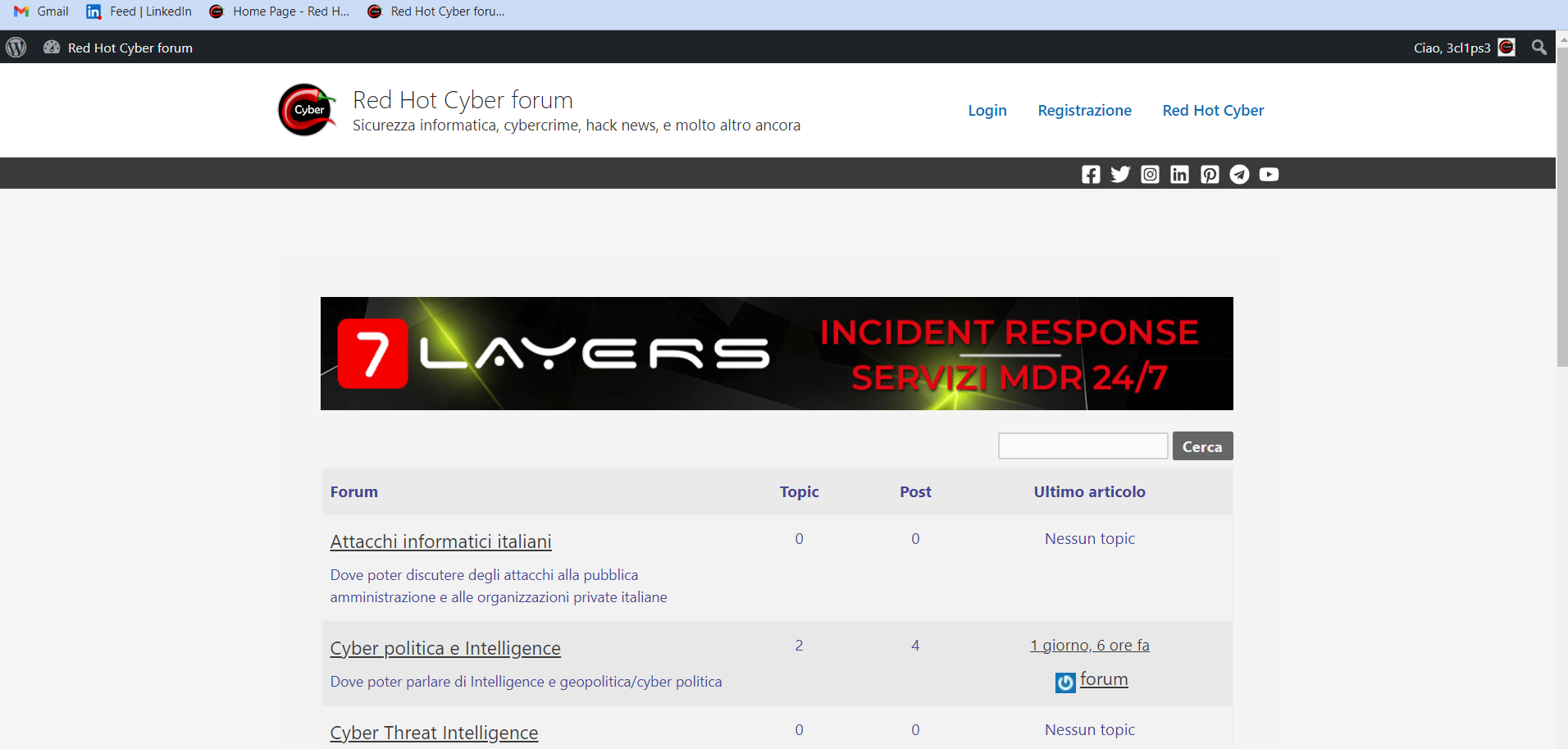
I defined a page called “Home Page” and inserted an AdRotate banner inside it and put the prefix “[bbp-forum-index]“.
The result is thishttps://forum.redhotcyber.com/error/1.png
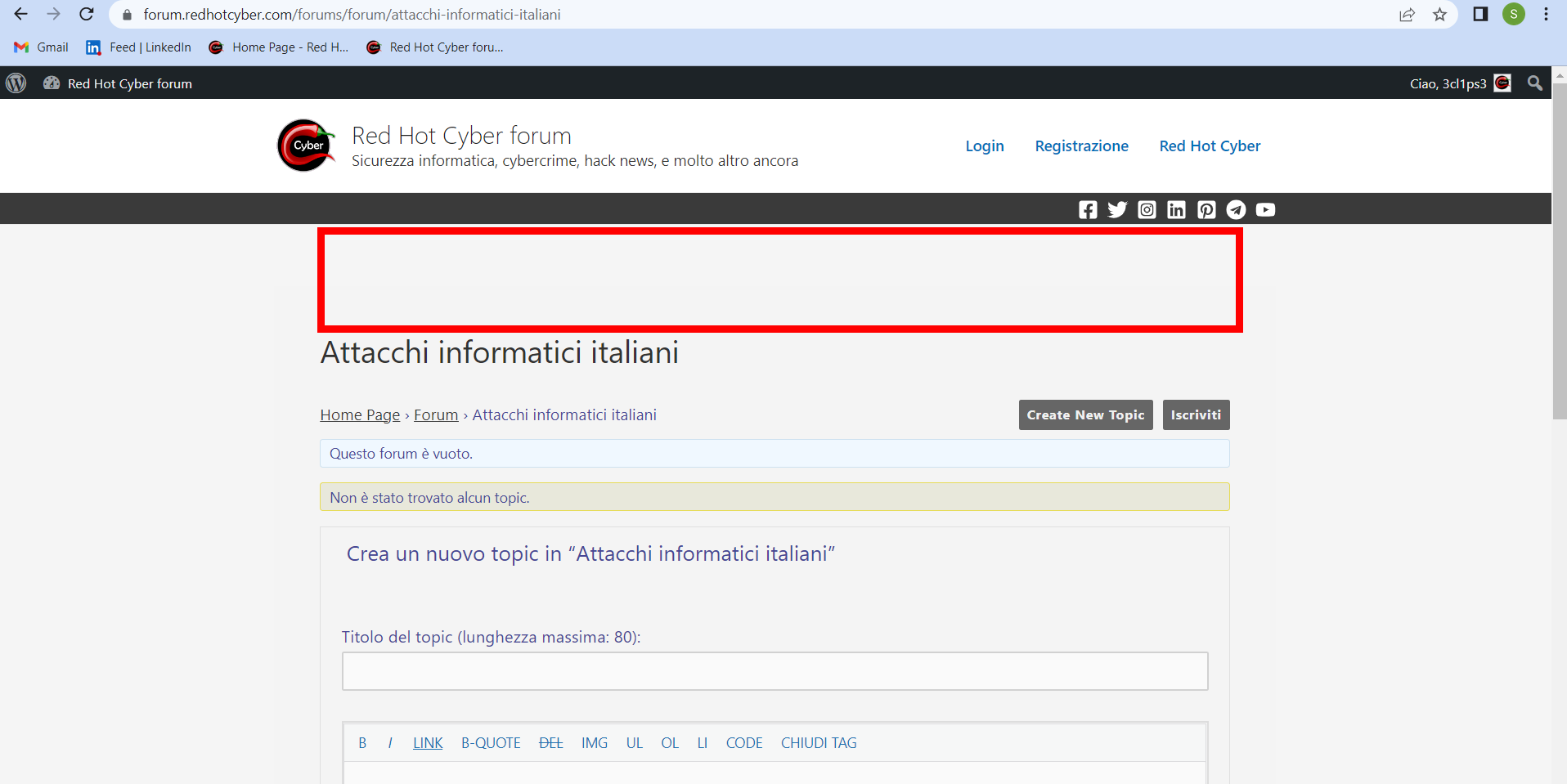
I just can’t figure out why clicking on any forum, topic or other, the banner is no longer seen, as if it were working on a theme page that I don’t have control over…
https://forum.redhotcyber.com/error/2.png
I don’t know how to get out of it, can you help me?
Thank you very muchHello everybody.
I am using WordPress 6.1.1 with Twenty Twelve 3.8 theme to set up bbPress 2.6.9. The question is – how to disable theme Sidebar on bbPress pages only (forums, forum, topic etc.), but leave it visible on the rest pages of the site?
Thank you very much in advance for answering.Topic: Question about content tags
Hello,
I’m not sure what to call them — on the forum here there are content tags with a green background that show on the forum page such as “installation,” “troubleshooting,” etc. to designat the type of post it is.I have “topic tags” enabled in bbpress — but the content tags I’m mentioning above seem to be a different thing and I cannot see where to set them up. Is this a default bbpress feature or is this coming from a separate plugin? How can I set that up?
ThanksHello Everyone,
I really need your help because I created my own fields on ACF but they do not appear on the front end. According to ACF, it is completely compatible with BBpress (reason why I chose this plugin) but it only appear on the back office…
I already saw here all the topic discussing about ACF but no solution about the front end problem.
What have I to do ?
Many thanks for your help !
Hi
I would like to customize the labels on the login page at
bbpress login, password fields and the button text.I see some related PHP code at https://codex.wordpress.org/Customizing_the_Login_Form#Make_a_Custom_Login_Page
Could you please suggest how to add that code to my website? Thank you so much!
I’m just setting up bbPress on my site (WordPress 6.1.1, custom theme non-Block Editor/Gutenberg).
I found interior forum pages are working but the main landing page was not. I was able to work around that by setting up a regular page and using the
[bbp-forum-index]shortcode, but I see the user profile pages are still not working (and they are doing exactly what the forum index page was doing before).Here’s an example:
https://icscalendar.com/forums-home/users/room34/It’s possible this is a problem with my theme, but I’m not immediately sure what might be wrong (and I’d like to fix this without having to test for plugin/theme conflicts because this is my live site and I don’t have a staging environment set up… yet).
I’m guessing it may be a routing issue… I do have some code in my theme that uses the
template_includefilter.I found that something gone wrong with topic display shortcode:
I used
[bsp-display-topic-index show='20' forum='6,8,14']in my topic display, but found out that bbPress sidebar couldn’t display any widget in the same page.After I shifted to
[bbp-topic-index], bbpress sidebar back to normal (ie, can display widget)Is it some kind of glitch? How to solve it if I really want to use bsp display shortcode somehow?