Bonjour,
Question stupide : je ne vois pas comment on peut “s’abonner à un forum” ? je ne vois rien en frontend.
Le fait de regarder un forum on devient “participant” ?
C’est un peu nébuleux pour moi tout cela
D’avance merci pour vos explications.
Hello everyone
Or configure so that the keymaster receives an email to notify him of each post, which is not currently the case
Thank you in advance for your answer.
Quelqu’un a t’il remarqué que la date et l’heure sont collé dans les forums et sujets?
Il devrait y avoir un espace non?
Merci beaucoup.
Hello. I created two forums and wants that theirs topics be presented on two different pages. I added the shortcode on both page referencing the forum_id which topics I want present on that page. At page1 I don’t have the problem, but on page2 I see the topics from both forums. The form for entering a new topic on page 2 is ok and regularly sorts topics into forum 2, but the display on the page shows posts from both forums.
Anyone can help? I think I believe that the solution is trivial, but I’ve been stuck with it for several days.
Version of bbPress is 2.6.9 . The project is still on localhost.
I’ve closed the topic but people can still reply. How do I make it so no one can reply to a topic?
Hello, I have built a social media network using buddy press. I want “users” to be able to schedule post. e.g on Facebook you can schedule a status for a certain date or time.
Can I do this within buddypress or would you recommend a plugin to allow it?
I have a memberpress/bbPress/Wordpress site with about 100 members. I was trying to make a user a moderator of a particular forum. I was able to change her role to a moderator by editing her user profile OK. But when I add her username to the moderator field within the edit forum screen it spins on update but never registers the username as moderator.
I then notice the username in question is of the format ‘firstname dot space secondname’
I didn’t think WP allowed usernames with spaces or dots (periods) but apparently, it does and the username is created when they register via a Memberpress form. By default, they are made forum participants upon registering. I want to upgrade this user to be a moderator of a specific forum.
The user HAS managed to post a topic in a forum already as a participant.
So i’m assuming that the problem lies in bbPress NOT allowing spaces in usernames when you try to assign them to be a moderator of a specific forum?
I was reading a 15 year old thread here where @howtogeek provides some plugin code. I tried saving this to a zipped .php file and adding it as a plugin but Wordfence said that wasn’t a good idea, so I’m not confident using 15-year old code is such a good workaround.
There was another old thread from 8yrs here ago where @joop.stringer suggests tweaking permalinks but I can’t seem to figure that out either.
I’ve come across this which will maybe help me prevent this from happening again.
But can anyone confirm that the space in the username IS the reason I can’t assign a moderator
role user to be the moderator of a specific forum, and if there is any more recent knowledge on this issue? i.e. does bbPress actually allow spaces in usernames now?
I need to create a “name registry” in WordPress (either Gutenberg or Elementor Pro) that will allow users to input their own information and create a new “name registry” listing. Trying bbpress.
The
alphabetical
listing of names should be presented and when a name is clicked, the supporting information is displayed.
Albert
Andrew
Agnes
Charles
Charles
David
There will be lots of duplicate names, but usually, the date, country, or some other info is different.
Supporting information example (when “Andrew” is clicked) is Date of entry, email, info:
Andrew Loftus – 1818
Australia
Do you have any knowledge of Andrew Loftus (Coachman) who was transported to Australia in 1818 after a trial in Co Mayo. He lived in Ballina but his wife Elizabeth Murphy, later lived in Crossmalina.
Peter Kenny
Sydney, Australia
pk@somehost.com
I have looked at forum plugins, directories, posts and cannot find a way to do this in WP. Most times the entry field descriptive text cannot be modified. Currently using the bbpress plugin but don’t see how I can modify the field text to ask users specific questions. I initially did it in html using a doku. But I want to covert this to WP and add the self-entered capability.
Any suggestions or pointers? Is bbPress a viable route for this?
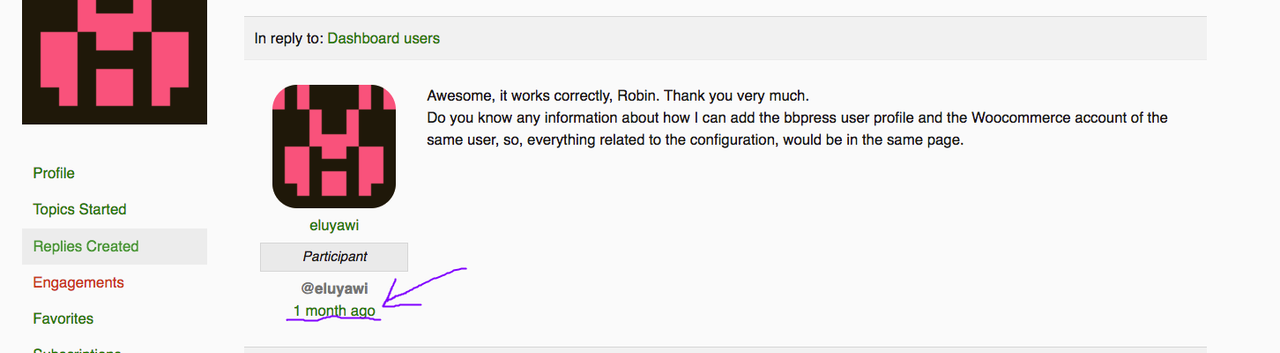
How can I get in the “engagement section” the link to go directly to the comment (as shown in the image)? Can you help me?
Image to show you that I need
After sucess import (wordpress tool) of forums, topics and replies and import to other page, topics are missing on forum pages.
Here is a main forum page
https://acroacia.com/redi/forums/
If open any of them, got message “Oh bother! No topics were found here!” (¡Vaya, no hay debates aquí!)
In wp backend all forums, topics and replies are listed.
I found here in bbpress forum similar problem from 2015 where installing some plugin that was developed by user on this forum Robin W. was solving the problem but that plugin not exist anymore.
Anyone can help me?
Thank you