Nice to meet you.
I am currently creating a bulletin board service and would like to display the text formatting in the topic creation form, and I am using the URL below as a reference.
https://bbp-customize.com/topic-form-template/
In this article, you say “The above code sets up a common format for all the forums, but you can also set up a separate format for each forum by splitting it up by forum ID”, but I don’t know how to split it up for each forum ID.
I’ve looked it up, but it doesn’t work and I’m stuck.
Specifically, I would like to know how to display the text formatting only for forum ID:2 when there are forums with forum ID:1 and forum ID:2.
Sorry this is a very rudimentary question, thank you for your help.
Hello,
I need to set the display name for users only to username – any other option can’t be active. Is there any way I can get that done?
Hi,
I wonder if there is a plugin with these features:
The whole forum shows in search engines, but when you click on the link to the thread, you can only read a little bit and you have to login to read everything.
Can anyone help me?
Hello,
I just installed bbpress on a new website. I have given descriptions (or subtitles) to some of the forums. On the forum index, these descriptions show up in all uppercase (And when I check the code in Firefox Inspector I can see that there isn’t even any styling tag around the descriptions).
I can’t figure out what the problem is. What is causing this and how should I fix it? Thanks for the help.
Patrick
Hi,
I’m interested in creating a similar forum content display setup, as the one that a on the frontpage here on bbpress.org. On the frontpage there is “Recent topics” display with the 5 newest entries in the forum.
How do I make this on my own site?
Im trying to add a description next to “Post Tags” at the bottom where people add a post, so people know how to add commas between each. How do I add that text?
Here’s a link to my site: femunitydotorg.wpcomstaging.com/forums/forum/mental-health/
Hi,
When trying to subscribe to a topic, a popup appears that says “undefined”. Not sure exactly when this started happening. Not seeing any errors in the console.
WP: Version 5.5.3
bbPress: Version 2.6.6
Site: https://byca.yoga/exhale-2020-calendars/ (you need to be a member, so not sure how helpful that is)
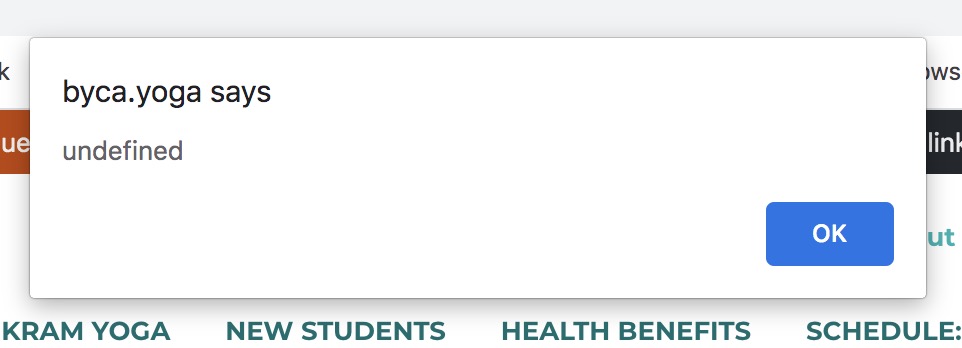
Thank you!
My “Replies All” page is missing or hidden. I get “Oops page cannot be found.” Where do I unhide or how do I fix this? Thank You. “Oops Page cannot be Found.”
I want to list the subforums under the category. My forum structure is like this:
Category A
– Subforum1
– Subforum2
– Subforum3
When parent category id is ’90’, I expected to get subforums of category 90.
$sub_forums[] = bbp_forum_get_subforums(90);
var_dump($sub_forums);
This returns empty array. Please let me know if my usage is wrong.
WordPress 5.53
bbpress version 2.66
livelikeaviking.com/talk
I am running into a problem – has been going on for a long time – when anything updates on this site, I need to flush the permalinks or the topics will not work. If someone chooses a topic in the forum, they are directed to the home page of the site.
If I manually flush permalinks, everything operates correctly.
Can you advise?

