Published on June 28th, 2014 by dottedpixel
I would like to have a forum index as seen on this page: singletrackworld
Overview, Forum 1, Forum 2, Forum 3, etc
I am googling since days to find a solution but did not find anything.
I would appreciate any help leading me in to the right direction.
Best
Michel
I installed bbpress on my site and it is running the default theme currently I”m going to create my own theme over the next few days but I was wondering how do I enable bbpress breadcrumbs? You can see from http://hearthstoneplayers.com/forums/ that no breadcrumbs are showing, is there a setting I need to turn on? Also I use Yoast breadcrumbs from Yoast SEO plugin could that effect the bbpress breadcrumbs?
I was told that I could either make the breadcrumbs go away completely or modify them. I chose to modify the appearance of the “crumbs of bread”. The following code was offered to me as a possible solution to my desire to modify my breadcrumbs . . .
Layout and functionality – Examples you can use
function mycustom_breadcrumb_options() {
    // Home - default = true
    $args['include_home']    = false;
    // Forum root - default = true
    $args['include_root']    = false;
    // Current - default = true
    $args['include_current'] = true;

    return $args;
}

add_filter('bbp_before_get_breadcrumb_parse_args', 'mycustom_breadcrumb_options'
When inserted at the end of TwentyTen Theme’s functions.php’s code as was instructed in this document . . .
Functions files and child themes – explained !
The result was this message in black against a white screen . . .
Parse error: syntax error, unexpected end of file in /home/sylviannai/public_html/journal/wp-content/themes/twentyten/functions.php on line 568
Is found at the root of my forums . . .
http://hcrd.foundation/journal/forums/
So what I’m asking is there additional code or an error in the code as that last line suggests.
Thank you for reading and please, please help. I’m losing my mind on this project and I didn’t have that many marbles to play with before I started in the first place.
Auriel
heres a look at some of the things im working on
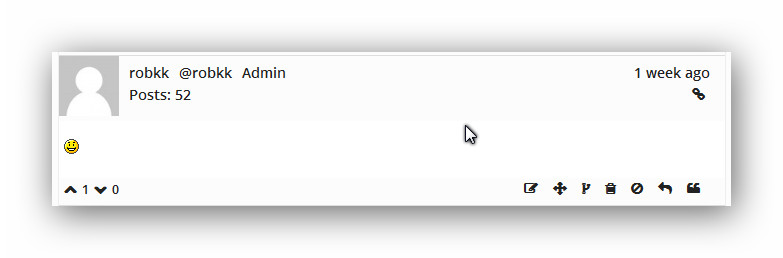
reply layout with icons instead of the written word for admin links
might add share reply link in future , link that slides out kind of like disqus comments
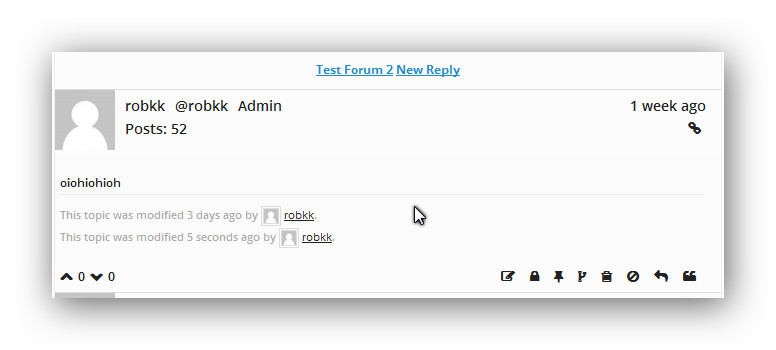
back to forum button and new reply button (havent styled yet)
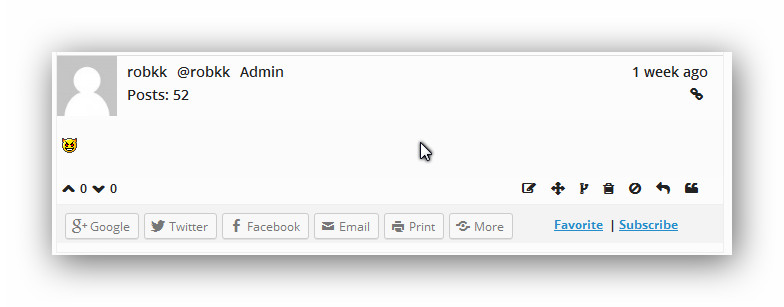
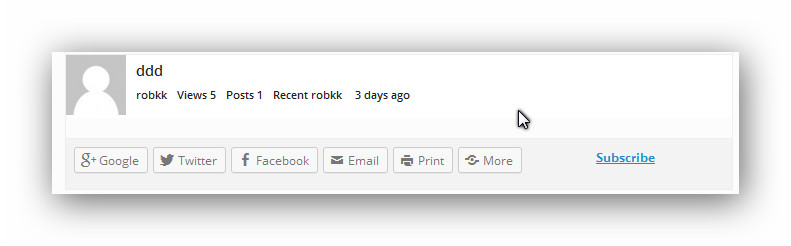
1 reply with bbp footer, subscribe link will stay in footer favorite link i want to move toward the top of all the replies in a topic
sharing option will be more like a drop down menu in future , will not use jetpack sharing just custom stuff
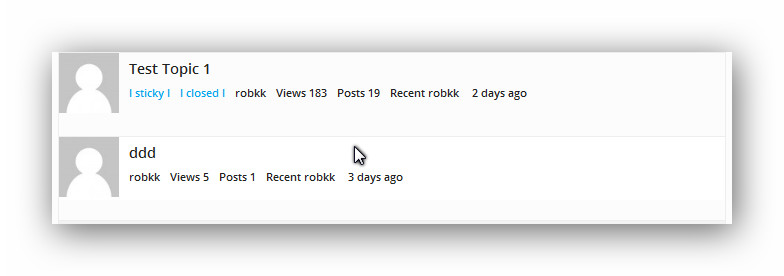
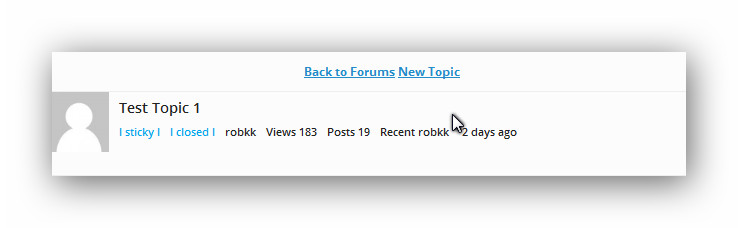
all rows topic layout , included views , no highlight topic background if closed or sticky, shows if sticky or closed by having it displayed (might change to icon in future)
much like replies footer, sharing will show more like in a drop down menu
back to forum index link , new topic link
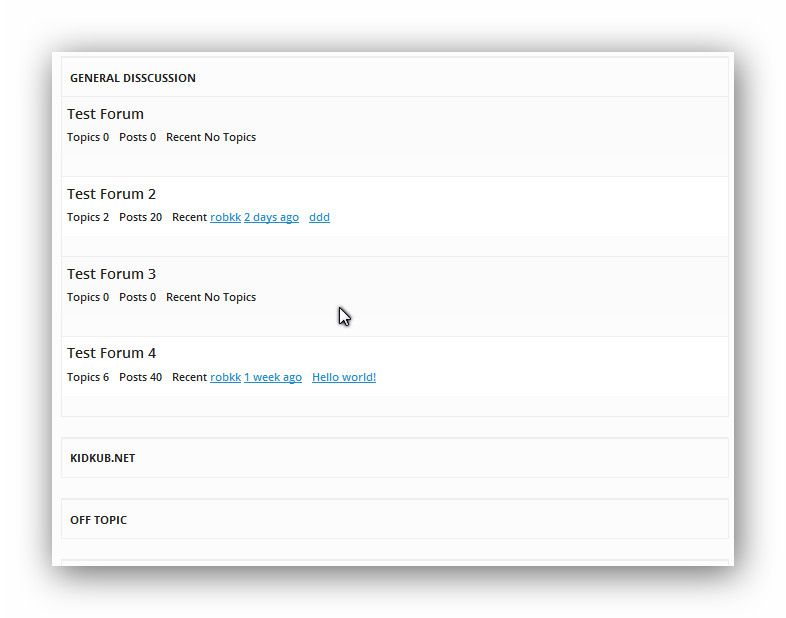
Hierarchical Forum and Category Layout
Hi,
I”m creating my first theme and I have copied over all the bbpress files but for the life of me I cannot figure out how to remove the notification that is at the top of each forum that tells you “This forum contains 1 topic, and was last updated by John 20 hours ago”
The html is the <div class”bbp-template-notice info”> and I have looked through all the template files but I can’t for the life of me figure out what is generating that and how to delete it. I know you can hide it via css but I don’t want to do that I want to actually remove it from my forums.
Thanks
WP 3.9.1
Theme TwentyTen
I need to add this snippet of code to my functions file in theme/childtheme. The problem is that I haven’t found anything in Documentation telling me where theme/childtheme is. Also will this be overwritten during the next bbPress update?
This is the documentation I was given to modify and insert the following code but it assumes that I know where to put it. Help please.
Layout and functionality – Examples you can use
I’m trying to change how my breadcrumbs look
function mycustom_breadcrumb_options() {

    // Home - default = true

    $args['include_home']    = false;

    // Forum root - default = true

    $args['include_root']    = false;

    // Current - default = true

    $args['include_current'] = true;
return $args;
}
add_filter('bbp_before_get_breadcrumb_parse_args', 'mycustom_breadcrumb_options'
Auriel Kitsu
Hello,
We are working on a WordPress site using a theme.
The website url is: http://tottoncollege.wpengine.com/
The theme is called Smartmag: http://themeforest.net/item/smartmag-responsive-retina-wordpress-magazine/6652608
We want forum functionality and were going to use bbPress, but as soon as we activate the plugin the featured slider breaks and stops displaying properly. We think this is a javascript related issue, but we aren’t quite sure what exactly the issue is.
Please can you advise? We can provide login details to the staging area if needed.
Thanks!
When using shortcodes for topic index the pagination breaks
Tested on 2 separate sites..the following one with 2014 theme
http://www.pootle-band.co.uk/support/
Any ideas?
Jamie
We have a small forum that’s always worked really well with BBPress. Recently we changed the theme to Montezuma.
Everything works pretty well, but we have a small problem: email notification e-mails take us to replies that just small summaries and stranded from the topic.
For example, this reply: http://www.dexterindustries.com/forum/?reply=2027
Is stranded from the parent topic: http://www.dexterindustries.com/forum/?topic=install-sh-error
Does anyone have any idea on how to correct this with the montezuma theme?
Hi,
I have a custom wordpress theme which I also use a child theme and I know to edit and customize the buddypress theme you need to place the files such as archive-forum.php in your child theme folder or main theme folder.
I was wondering is it possible to have a folder for all the bbpress main theme components so that they don’t clutter up my main child theme?
In the plugin all the main theme files are stored in a folder called extra, I would like to be able to have a folder called extra in my child theme and have worpdress recognize all the bbpress theme files.

